Settings
The Settings window includes the following options:
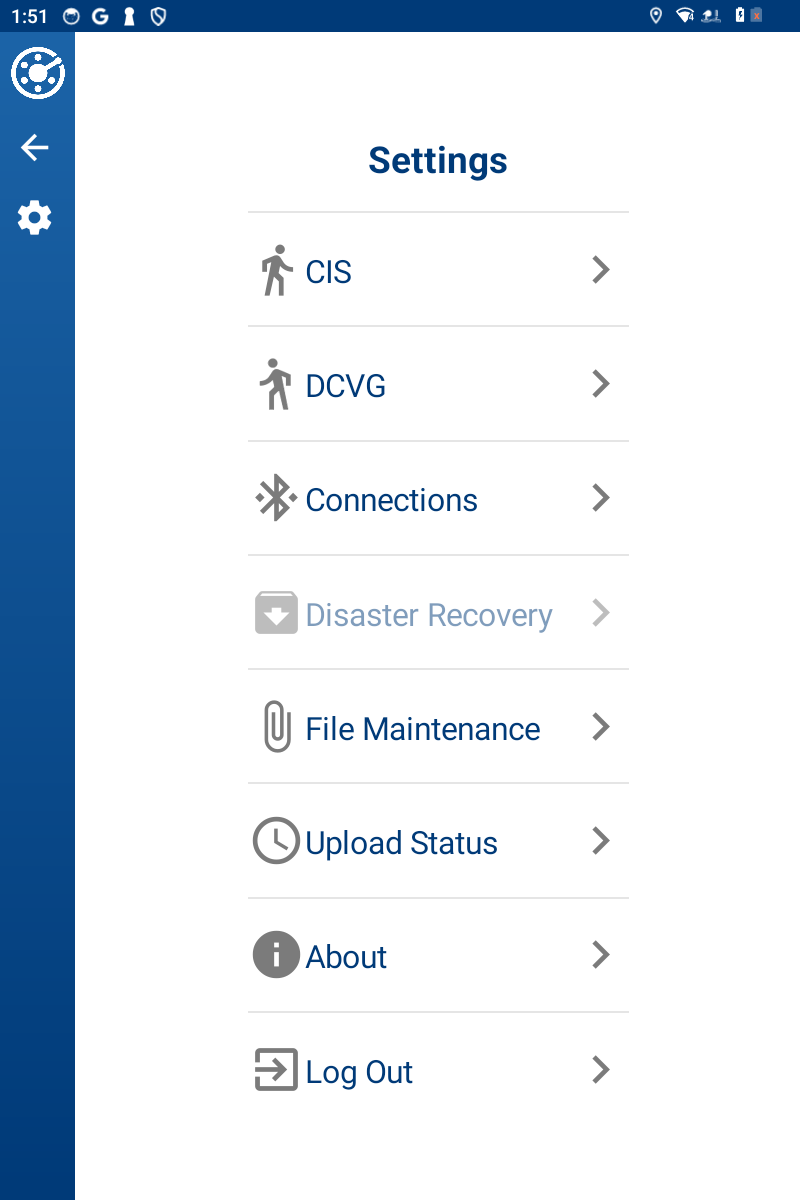
Settings Window Menu
-
CIS — Includes settings for Close Interval surveys. Refer to CI Settings for more information.
-
Connections — Includes connections to the DVM and GPS settings. Refer to Connect DVM1110 to Allegro AX for more information about the DVM connection and External GPS Settings for more information about GPS settings, including enabling GPS.
-
About — Information window about current version of the PCS Field Data Collector app.
You do not need to be logged into the app to access this window.
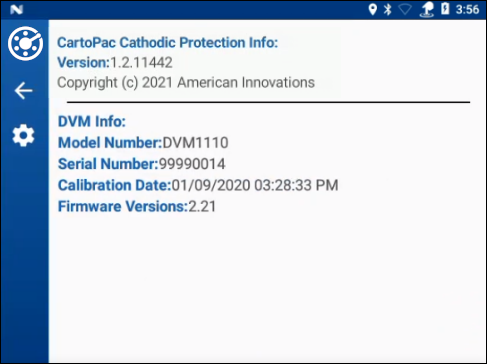
About Window
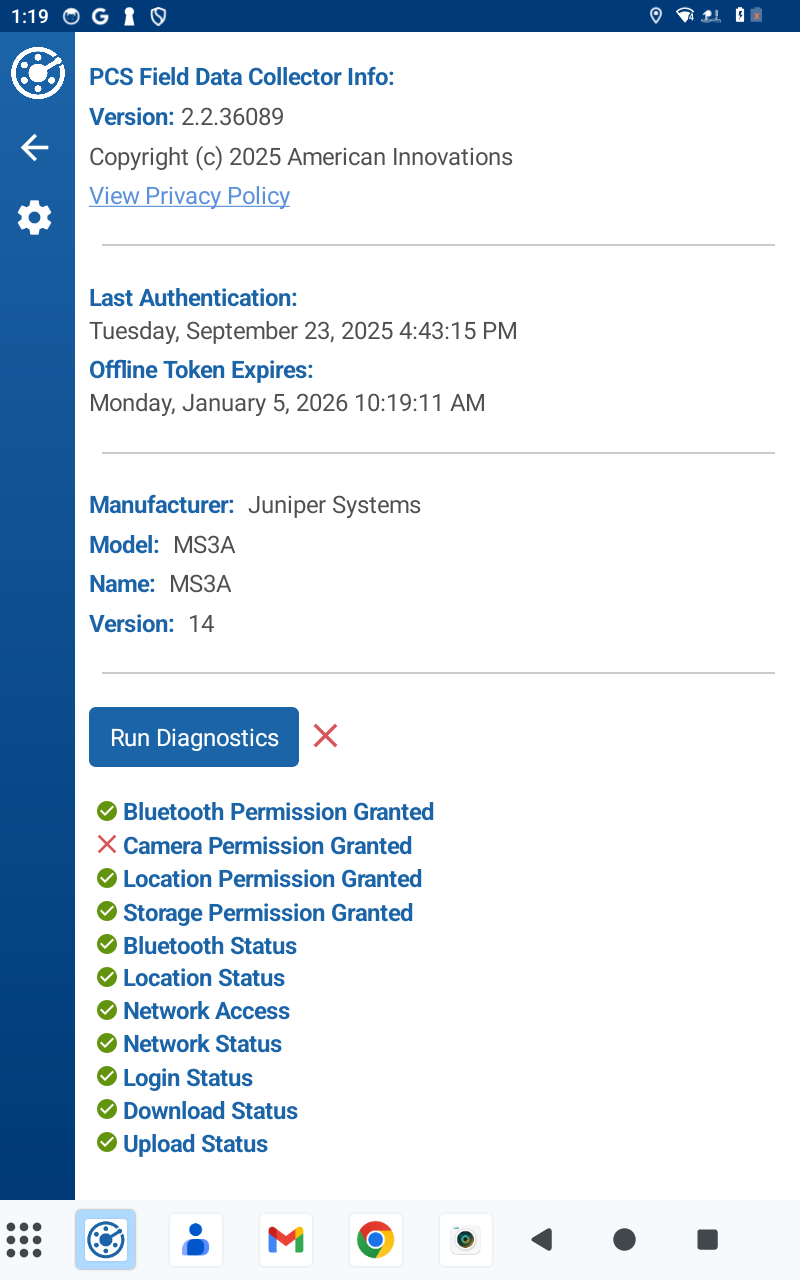
The About window includes a diagnostic tool to aid the user in resolving common configuration problems.
-
Scroll down to the bottom of the About screen and tap Run Diagnostics
-
The diagnostic tool will display a checklist of items that PCS Field Data Collector needs to work correctly. Each item will have a check
 if it is working as expected or an
  if it has an issue.
-
-
Disaster Recovery — A copy of all survey data can be saved to an SD card that you have installed on your device. Refer to Disaster Recovery for more information on creating a backup of survey data or to Restore From Backup for more information on restoring survey data from a backup.
You do not need to be logged into the app to access this window.
-
File Maintenance — Remove DVM log files and images, CI surveys, or Periodic Surveys. Refer to the following topics for more information:
-
Log Out — Logs out current user. Refer to Log Out of PCS Field Data Collector App for more information.
To open the Settings window, tap the  icon on the left side banner of any window.