Mode Menu
The Mode menu includes the following sub-menus:
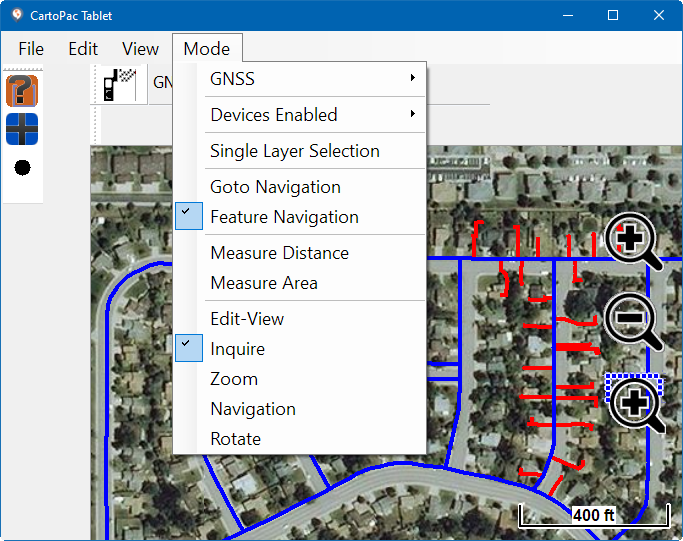
Mode Menu Items
-
GNSS Menu Options — includes the enable GNSS, auto insert, and auto center options.
-
Devices Enabled Options — a list of enabled peripherals.
-
Single Layer Selection — toggles the main map view
-
Goto Navigation or Feature Navigation — selects which type of navigation toolbar displays for easy access to records.
-
Rotate Option — rotates the current map view.