Inquire Options
You can open an information window with details about a point with from the Mode > Inquire menu or the  Inquire button sidebar. The window - or form - includes data gathered about a point. The information can be edited as needed.
-
Select Mode > Inquire.
If the
button is displayed on the sidebar, which indicates that it is the current mode, you can select it instead of using the menu. -
Select a feature on the map. The data form opens.
-
Edit or view data within the tabs on the form as needed. The form that displays is based on how the record was set up and may look different for different records.
-
Select OK to save changes or Cancel to close the form without saving changes.
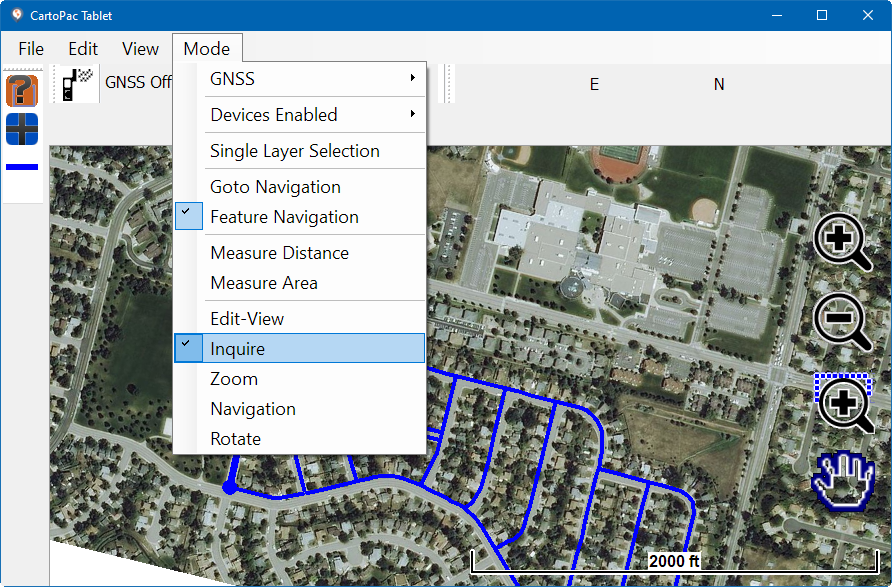
Mode Menu - Inquire and Inquire Icon
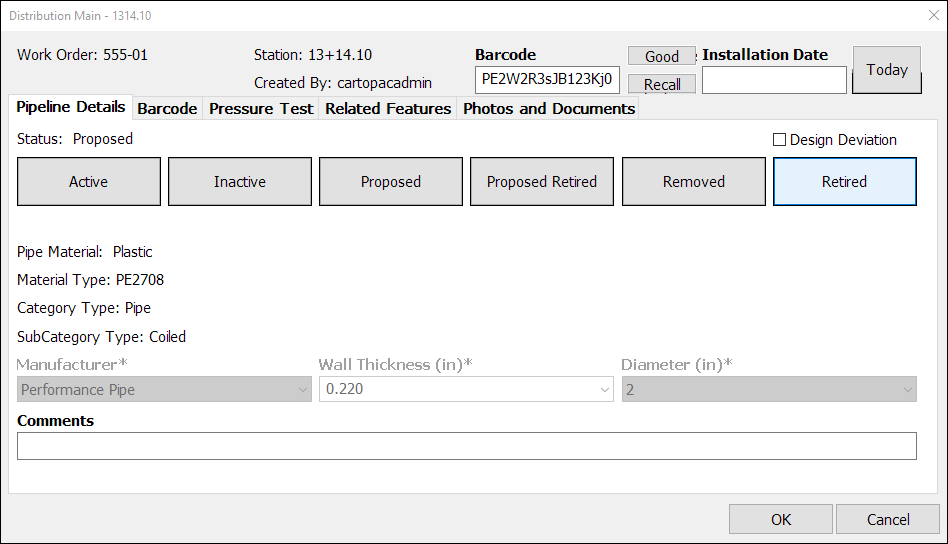
Point Data Form