GNSS Menu Options
The GNSS sub-menu under the Mode main menu includes the ability to enable GNSS (GPS), automatically insert vertices, and automatically center the GNSS lock cursor in the middle of the map based on the location of the GPS receiver.
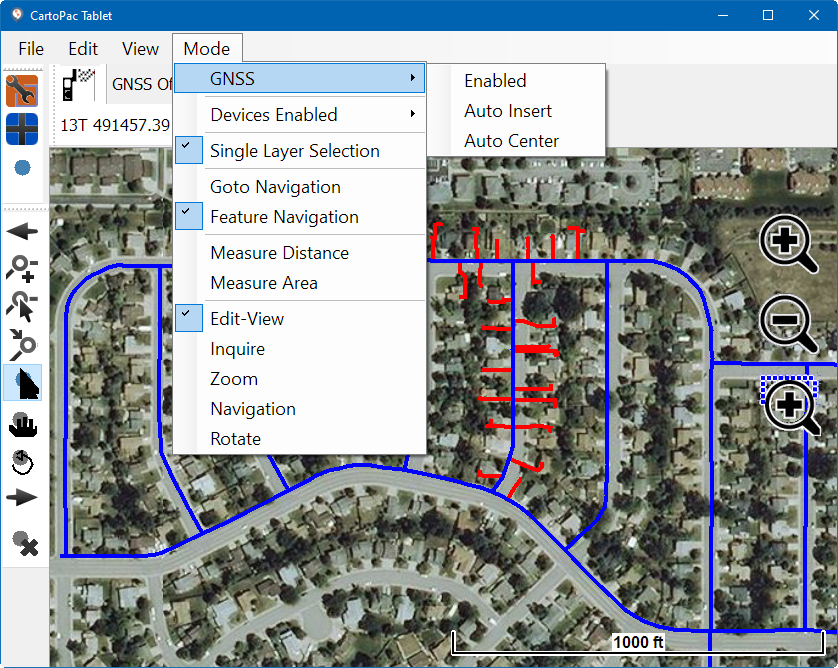
GNSS Sub-menu of the Mode Menu
Complete the following steps to enable GNSS, automatically insert vertices, or center the GNSS lock automatically:
-
To enable GNSS, select Mode > GNSS > Enable.
-
To enable vertices to be automatically inserted added to your line or polygon as you walk, select Mode > GNSS > Auto Insert.
-
To automatically center the GNSS lock cursor, select Mode > GNSS > Auto Center.
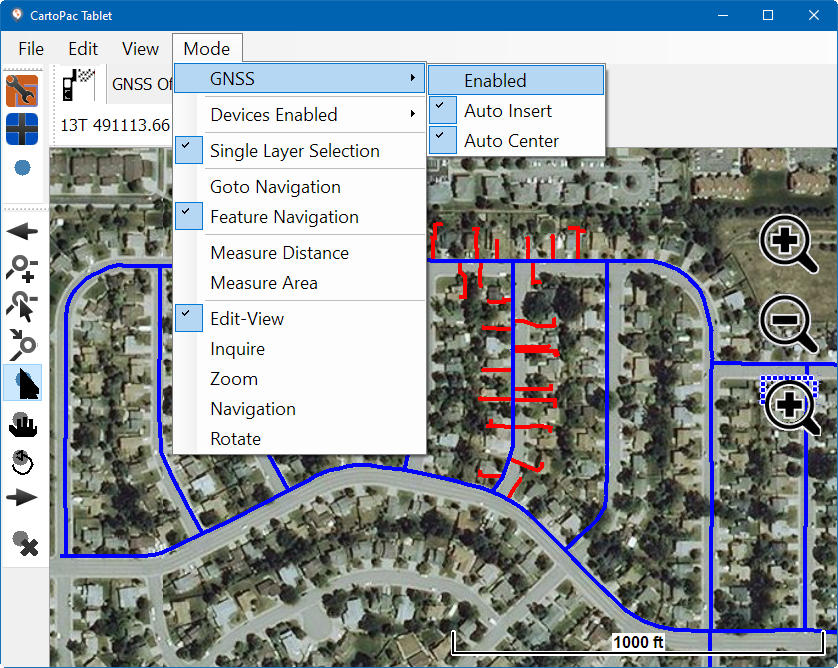
Mode Menu - GNSS Enabled
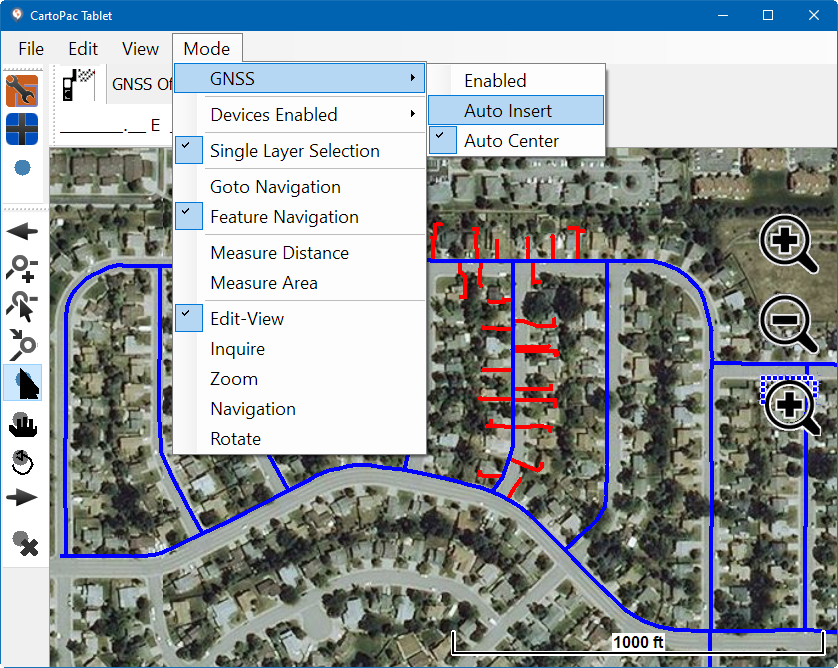
Mode Menu - GNSS Auto Insert
The map area updates to reflect the new vertices as they are added.
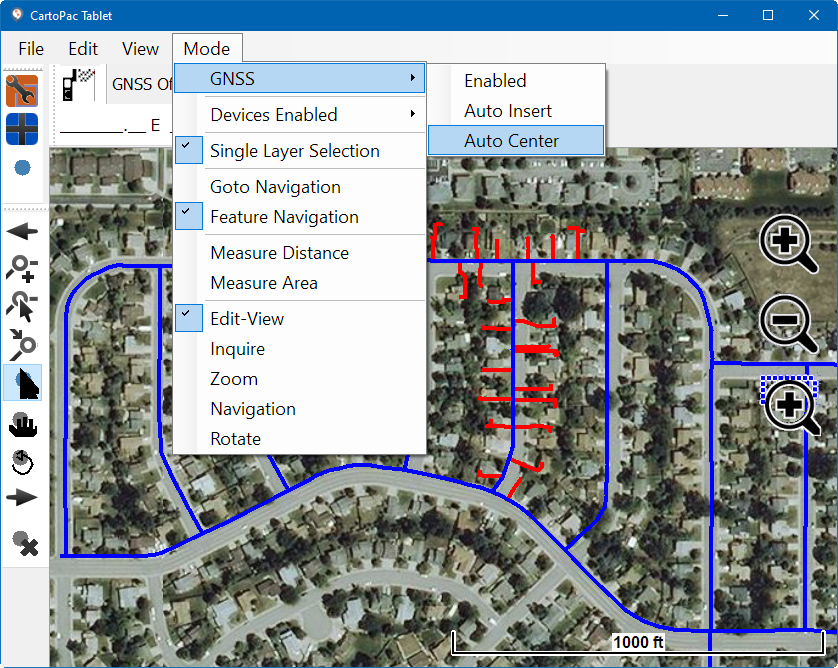
Mode Menu - GNSS Auto Center