Rotate Option
Complete the following steps to rotate the current map view:
-
Select Mode > Rotate.
-
The
 displays on the left side of the main window and a rotation icon displays on the map.
 -
Click on (or tap and hold) and move the map to the desired direction. The
icon moves along with the rotation to show what navigational direction the map is going. -
To close the rotation option, select the
icon.
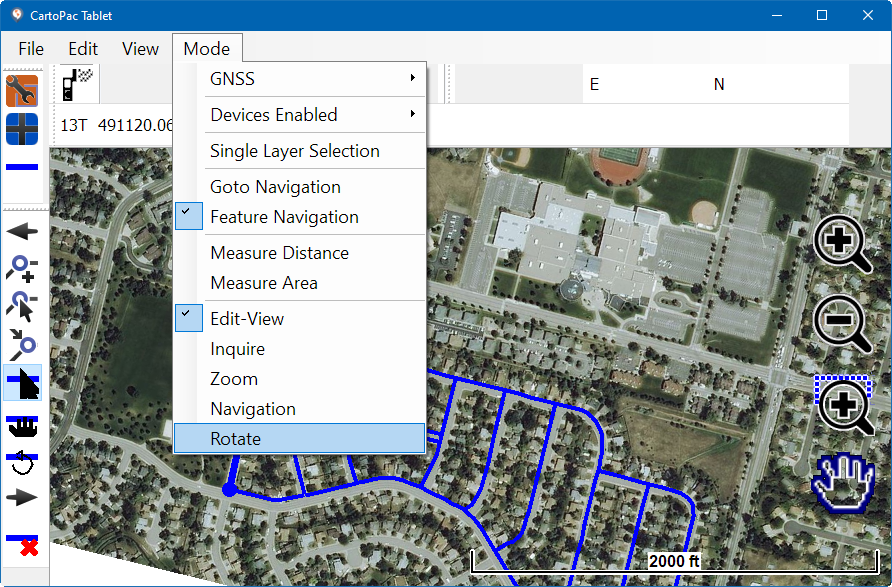
Mode Menu - Rotate
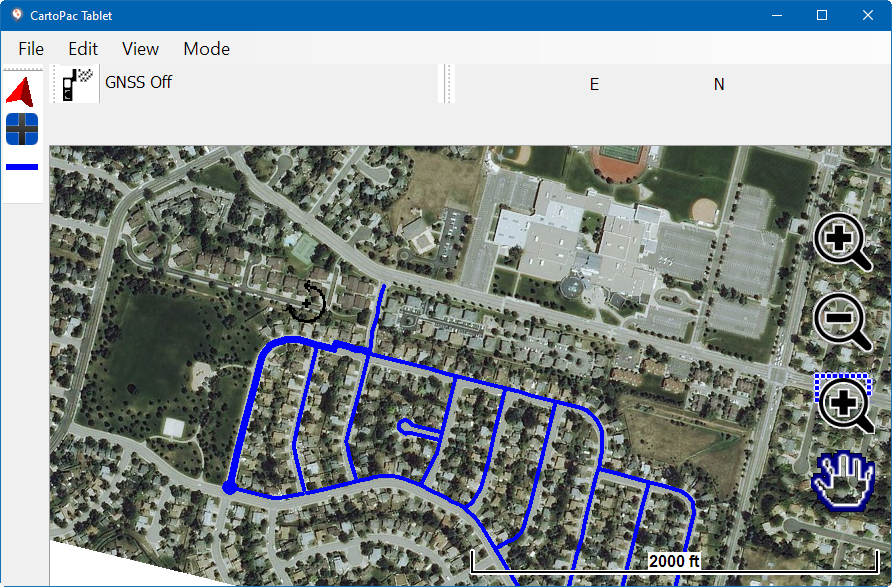
Rotating the Map