View Menu
The View menu includes the following sub-menus:
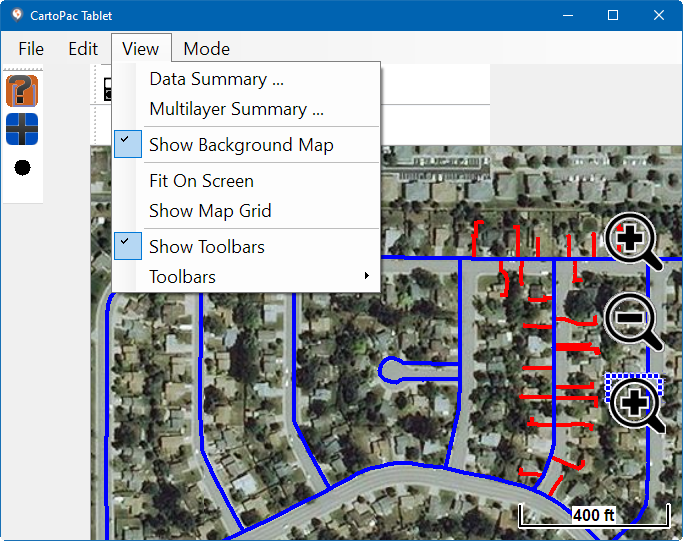
View Menu Items
-
Data Summary Options — displays data summary information in a table format and includes the ability to delete, edit, or go to a record.
-
Multilayer Summary Options — displays multilayer summary information in a table format and includes the ability to delete, edit, or go to a record.
-
Show Background Map Options — give you the option to use a background map on the main window.
-
Fit On Screen Option — zooms to the selected feature.
-
Show Map Grid Option — toggles the map grid on or off.
-
Show Toolbars Option — displays additional toolbars on the main window.
-
Toolbars Options — includes a pop-out menu to select which toolbars to display on the main window.