New Shortcut Keys
The following shortcut keys were updated or added for use in the CI Survey module.
The shortcuts can be used with the Allegro AX or on the Mesa 3 if you are using the external keyboard.
Refer to CI Survey Keyboard Shortcuts for a complete list of available shortcuts for the CI Survey module and Periodic Survey Keyboard Shortcuts for a complete list of available shorts for the Periodic Survey module.
Shortcuts That Can Be Used In Flagged Mode
-
Reset Flag count — Ctrl-F.
-
Go to a record or insert new record — Ctrl-G or F2.
-
Opens the Records Options window (
 ) with the cursor placed in the Go To Or Insert text field.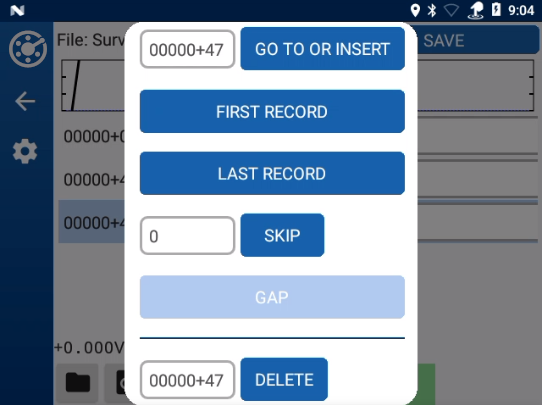
Records Window
-
-
Open the Records Options window (
) — Alt-M.
-
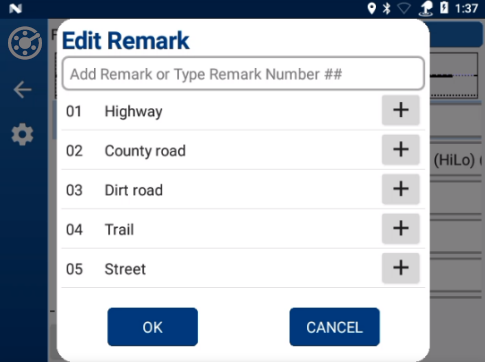
Add Remarks — Alt-R or F4.
-
Opens Edit Remark window (
 )
)
Note: Only available in the Fixed Increment mode.
-
Refer to Add Remarks for more information.
-
-
Pause or resume a timed reading survey — Ctrl-P or F5.
-
Open Mobile Survey menu window (file
 ) — Alt-F.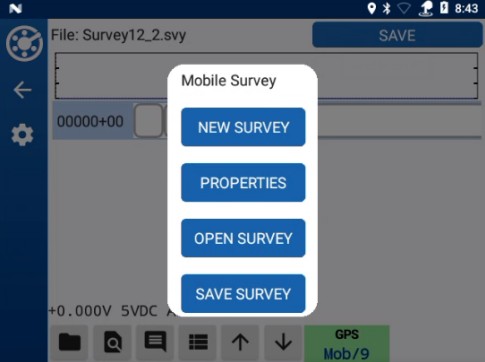
Mobile Survey Window
-
Toggle between list view and single record view — Alt-L.
-
Create a new survey — Ctrl-N.
-
Opens the Survey Properties window.
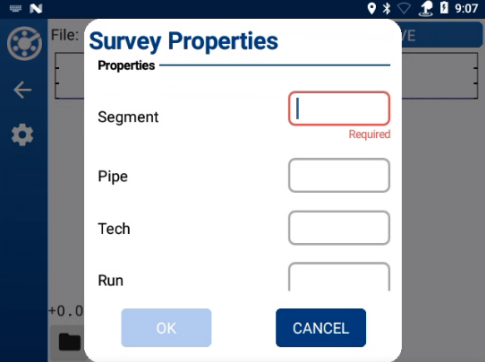
Survey Properties
-
Refer to Create a New Survey for more information.
-
-
Open the Test Points Info window — Ctrl-T.
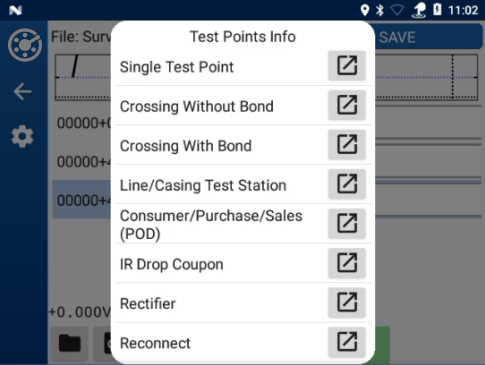
Test Points Info Window
Shortcuts That Can Be Used In Fixed Increment Mode
-
Skip a distance — Ctrl-K.
-
Opens the Records Options window with the cursor in the Skip data entry field.
Records Window
-
-
Toggle Skip mode on and off — Ctrl-Z or F3.
-
Window displays (Skip) when in that mode.
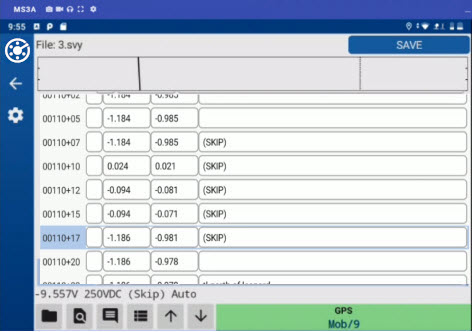
Skip Mode On
-
Skip is entered in Remarks field.
-
Used with a wire counter (chainer).
-
Refer to Fixed Increment Survey Skip and Lock Modes for additional information.
-
-
Toggle Lock mode on and off — Ctrl-L.
-
Window displays (Lock) when in that mode.
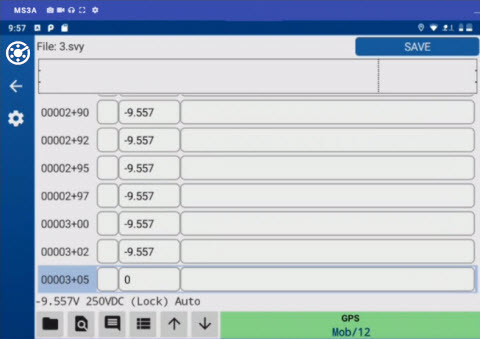
Lock Mode On
-
No readings are taken in Lock mode.
-
Used with a wire counter (chainer).
-
Refer to Fixed Increment Survey Skip and Lock Modes for additional information.
-
-
Open an existing survey — Ctrl-O.
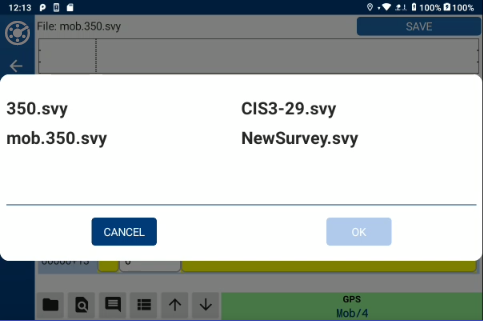
-
Delete a record — Ctrl-Del.
-
Opens the Records Options window with the cursor in the Delete data entry field.
Records Window
-
Refer to Work with Survey Records for additional information.
-