Edit Menu
The Editmenu includes the following sub-menus:
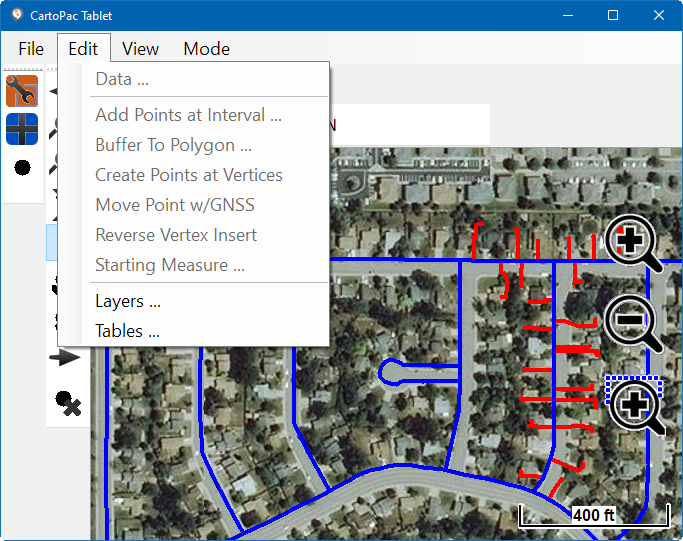
Edit Menu Items
-
Edit Data — view, edit, or add information about a feature.
-
Additional Feature Edit Options — edit features through project-type specific sub-menus.
-
Layers Options — includes option to change a spatial layer's visibility settings, symbology, color, or add labels to an attribute. As a spatial table, allows more flexibility to change how the feature is displayed on the mobile device.
-
Tables Options — can view hidden tables or access Data Summary.