Sort Sites by GPS Proximity
Follow these steps to sort Periodic Survey sites with GPS coordinates by distance from the coordinates entered into the Facility Location field.
-
Tap Periodic Survey from the main menu and select a survey from the survey list.
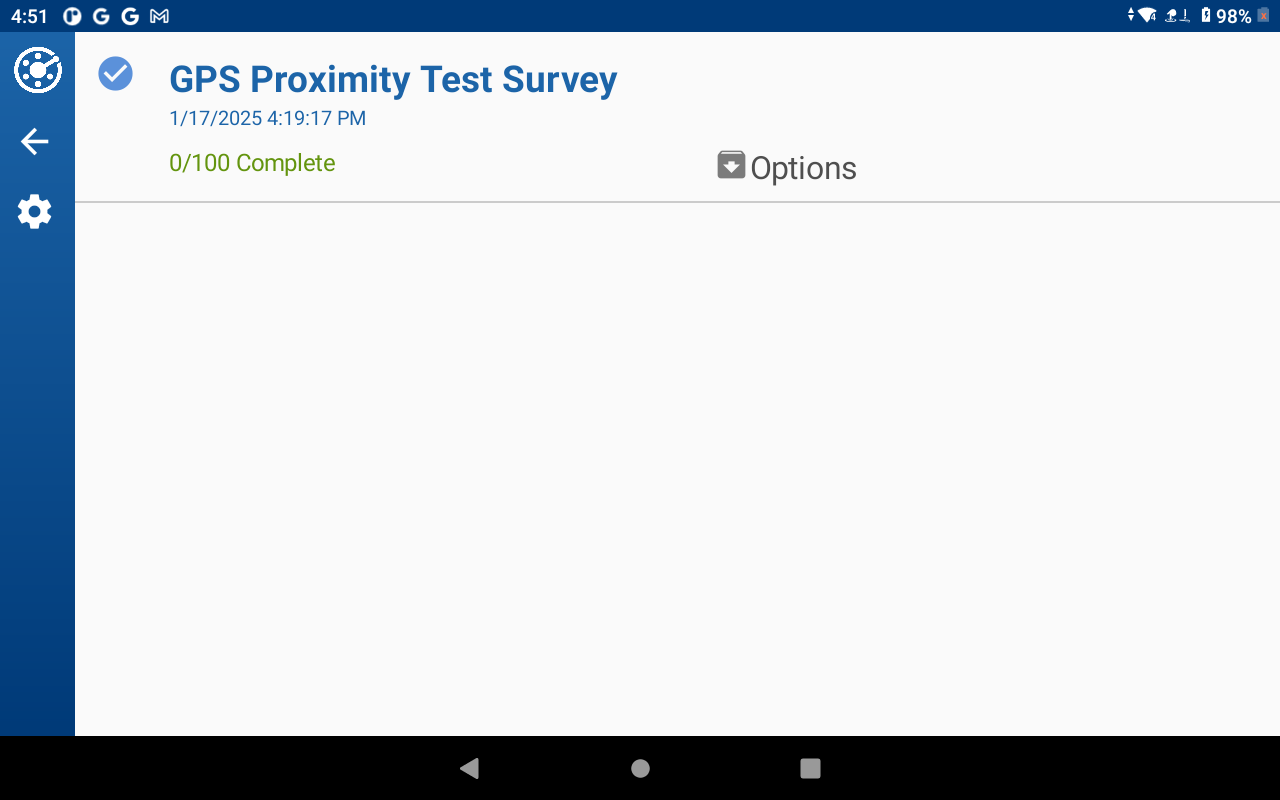
List of Available Surveys
-
Tap the sort icon
 to open the Sort menu in the site list.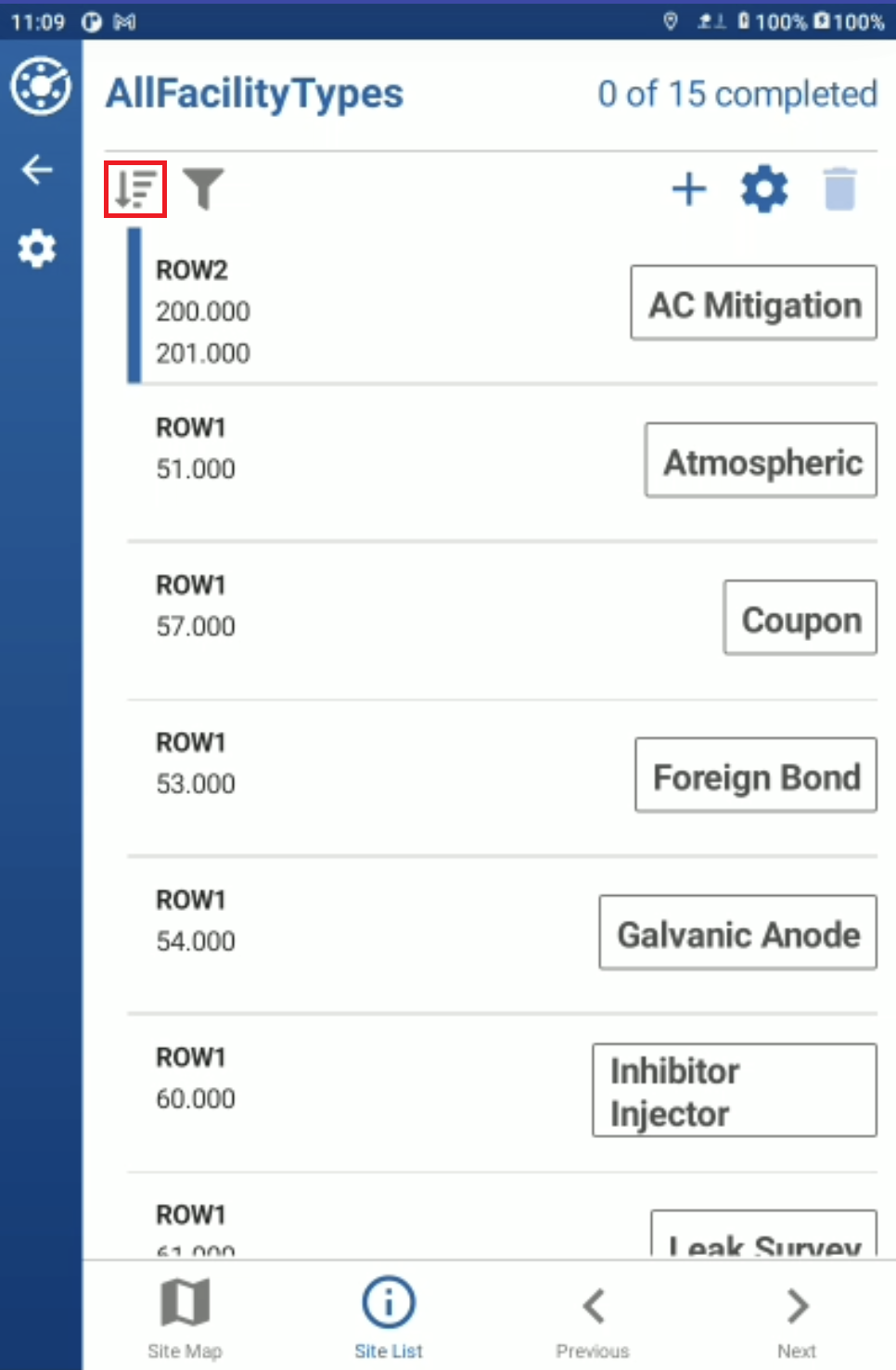
Site List
-
Select GPS Proximity and tap Submit.
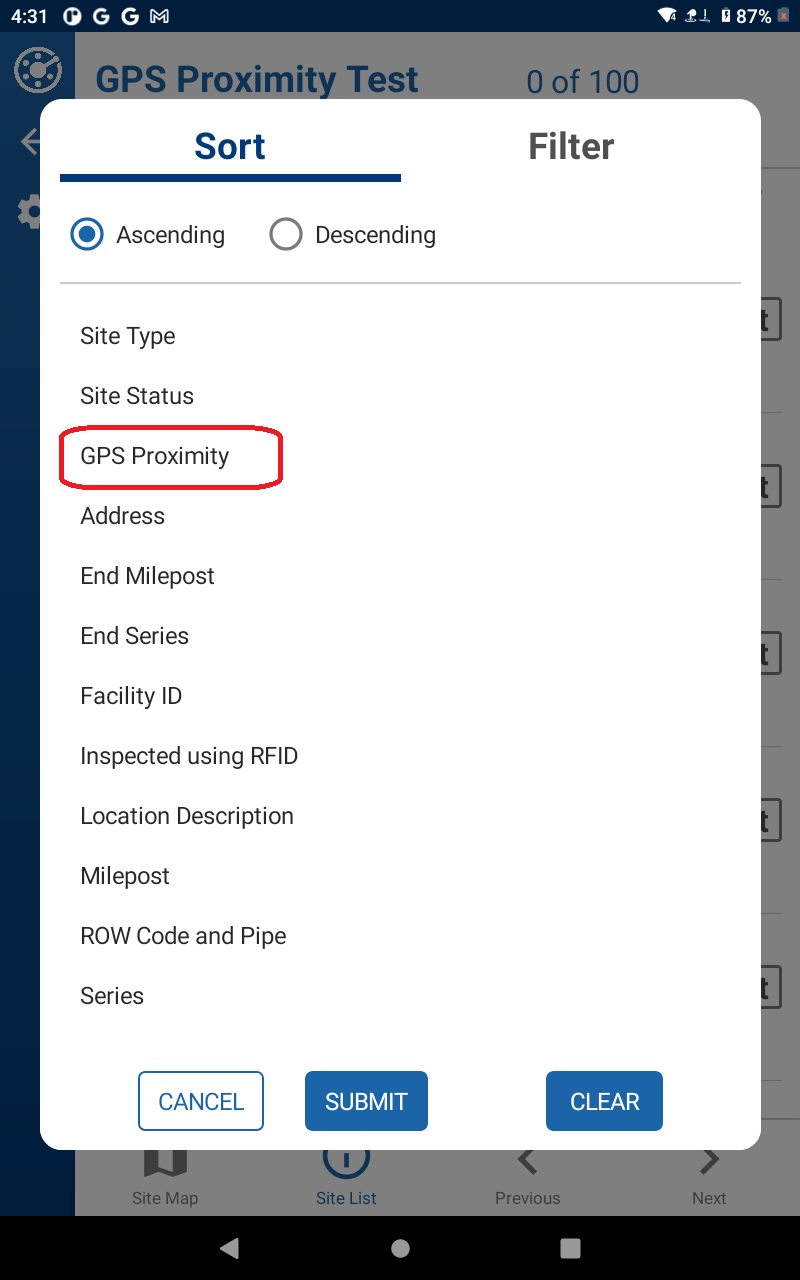
Site Sort Options
-
The sites are displayed in order of distance:
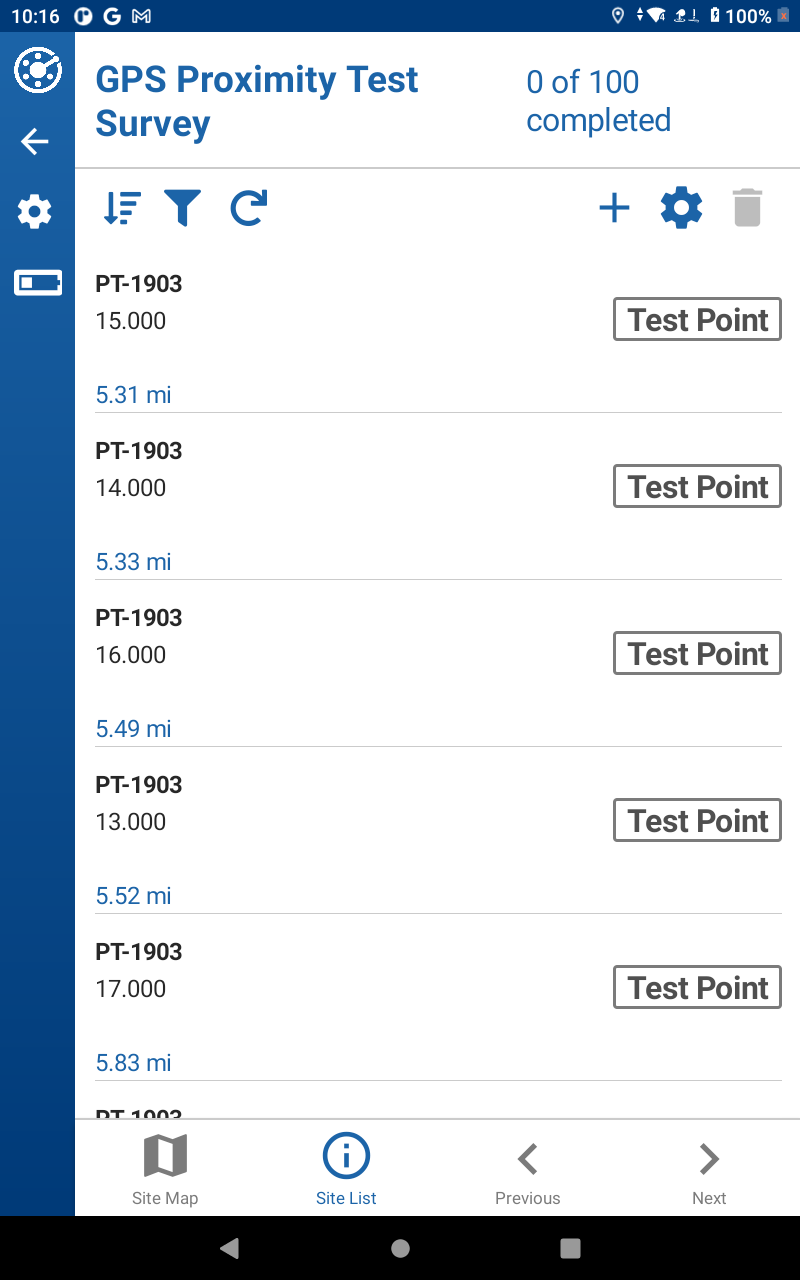
Sites Sorted by Distance
Refer to Determining Bearing and Distance to Site or Get Turn-By-Turn Directions to a Site for additional map navigation information.