Layers
Complete the following steps to select view options for Layers:
-
Select
 Show Toolbar to display the toolbar icons.
 -
Select Layers.
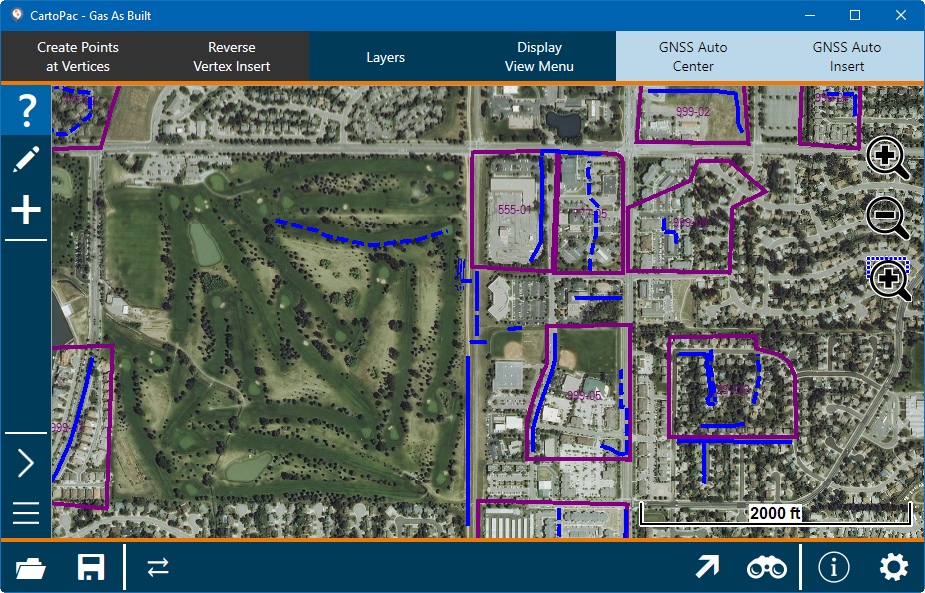
CartoPac Touch with Toolbars
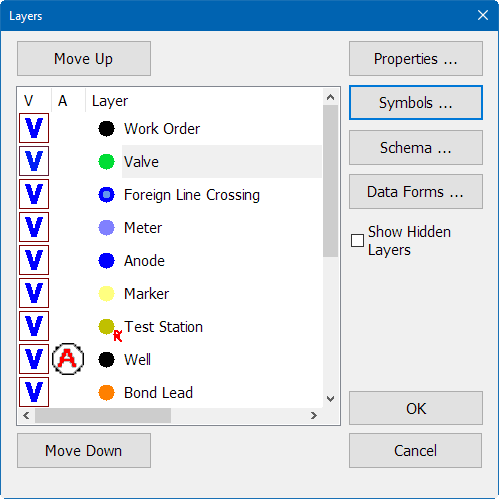
Layers Options Window
Refer to Edit Layers Properties for more information on setting the different options for Layers.