Export Facility Survey Data
You can export facility survey file data.
From Survey Hub, use Export Survey to export included review records. When returning work across organizations, export sends verified data to the trusted partner organization (for example, contractor to operator). The recipient organization then exports to PCS as usual. See Include or Exclude Survey Records.
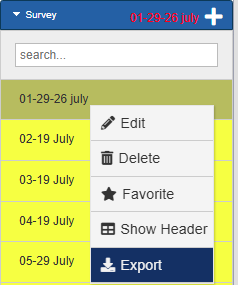
Export Survey Context Menu
To export facility survey data, load the desired data in the Table pane, right-click on the name of the survey, and select the Export option. The Export To Cloud window opens.
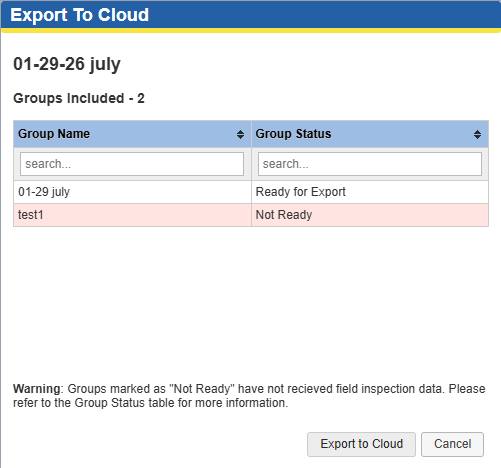
Export to Cloud Dialog
Select the desired Group and click the Export to Cloud button.