Install the GNSS Expansion Pod
The GNSS Expansion Pod is included with the Archer 4 when purchased from American Innovations for use with PCS Field Data Collector. The pod provides sub-meter GPS accuracy for field surveying. Install the pod before enabling it in Android settings and before using FDC in the field.
Refer to the GNSS Expansion Pod Quick Start Guide included in the shipping box for additional instructions.
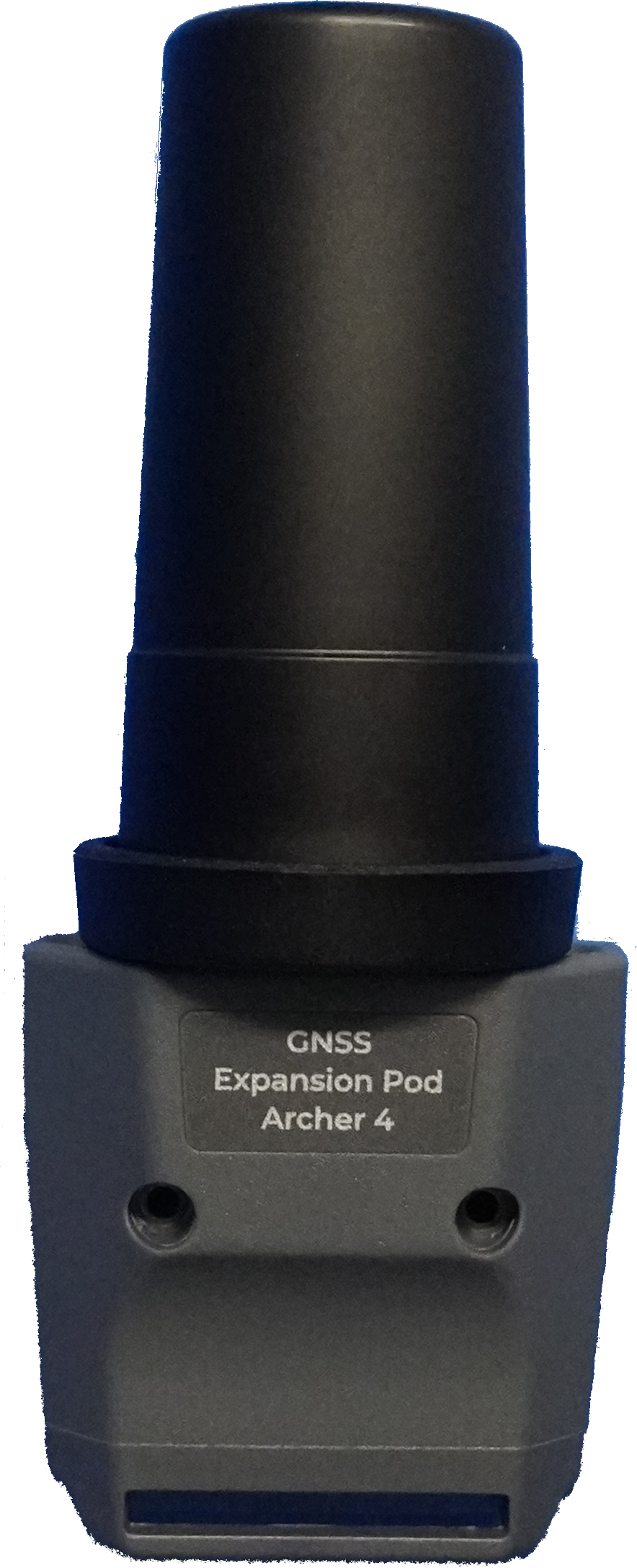
GNSS Expansion Pod
Complete the following steps to install the GNSS Expansion Pod:
-
If the Archer 4 is powered on, press the power button and volume up button simultaneously, then tap Power Off. Allow the device to power off completely.
-
Remove the hand strap and upper mounting loop, if installed.
-
Remove the silicone plugs from the expansion pod attachment area on the back of the Archer 4.
-
Position the GNSS Expansion Pod over the expansion pod attachment contact pads on the rear of the Archer 4.
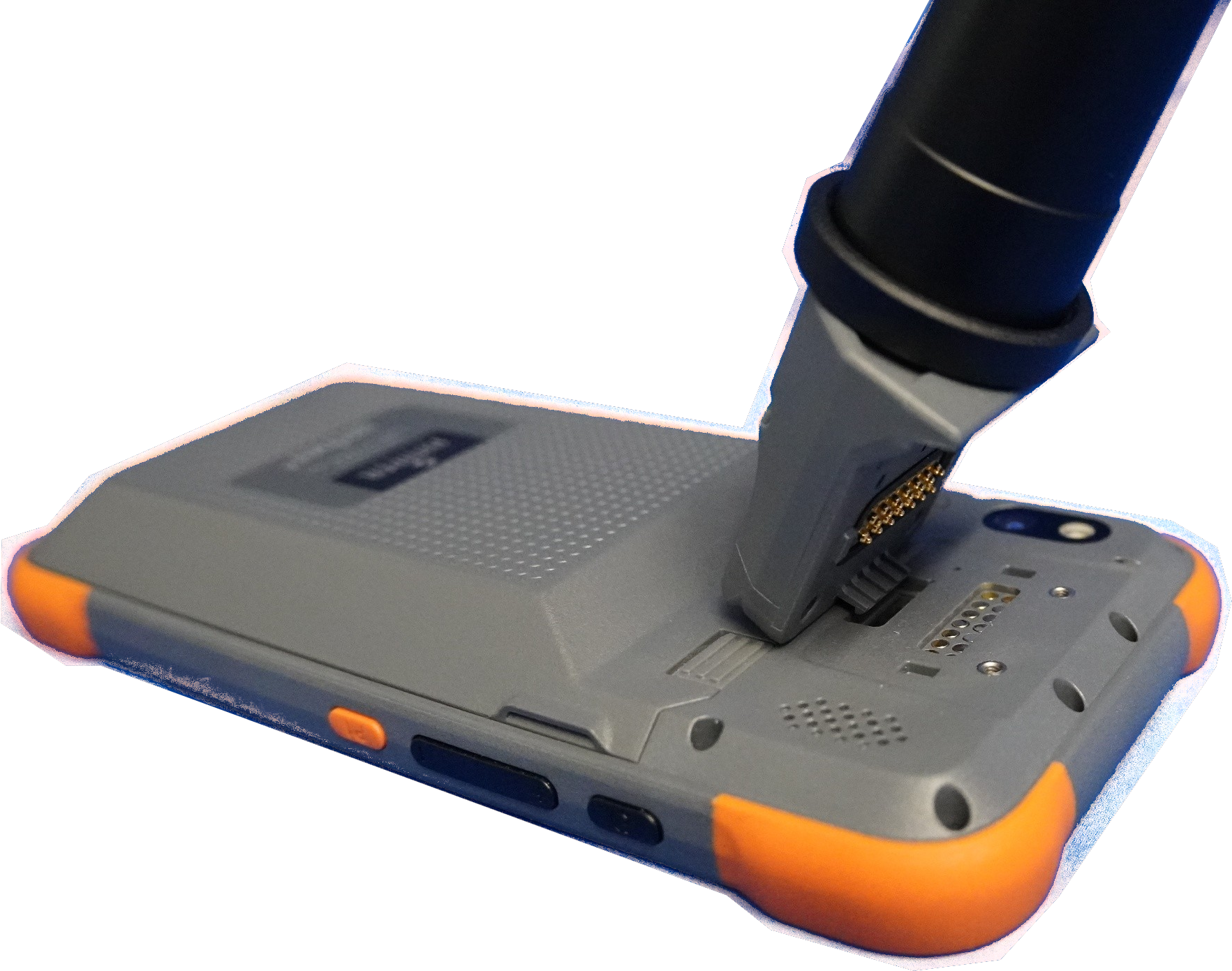
Mount GNSS Expansion Pod
-
Attach the expansion pod using the screws provided (M2-13 wafer head Torx screws). Use the T6 screwdriver included with the device.
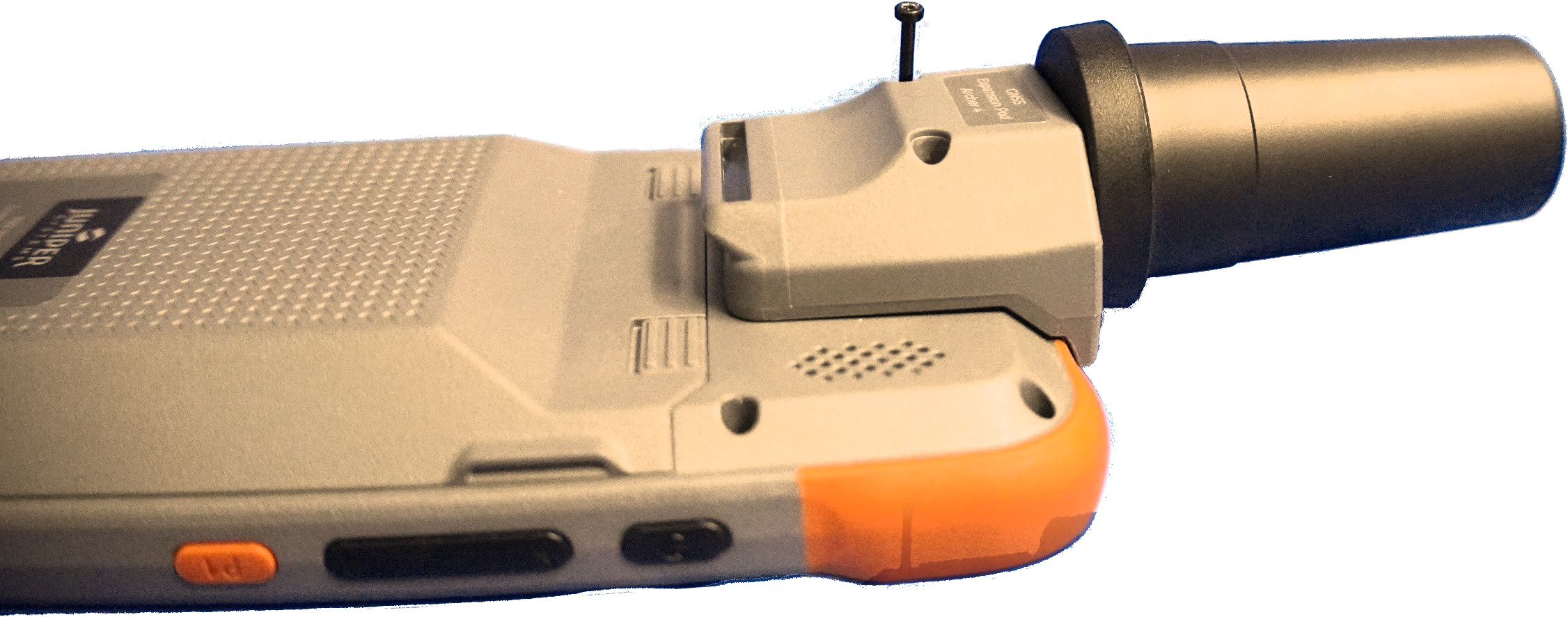
Install GNSS Pod Screws
-
Reinstall the hand strap through the hand strap mounting loop at the bottom of the GNSS Expansion Pod, if desired. Refer to the Archer 4 User Manual for hand strap installation with the GNSS antenna.
-
Power on the Archer 4.
After installing the pod, refer to Enable the GNSS Expansion Pod to configure Android settings for use with PCS Field Data Collector.
Only one expansion pod can be attached to the Archer 4 at a time.