Edit a Facility Survey Folder
Complete the following steps to edit a facility survey folder:
-
Click Data Entry > Facility Survey Folder Maintenance to open the Survey Folder Maintenance window.
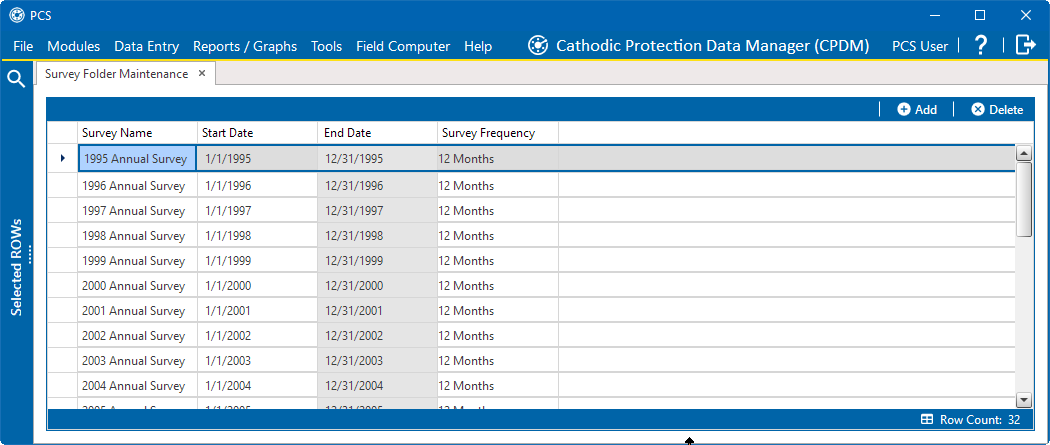
Survey Folder Maintenance
-
Click the survey folder row to highlight it and display an
 icon.
icon. 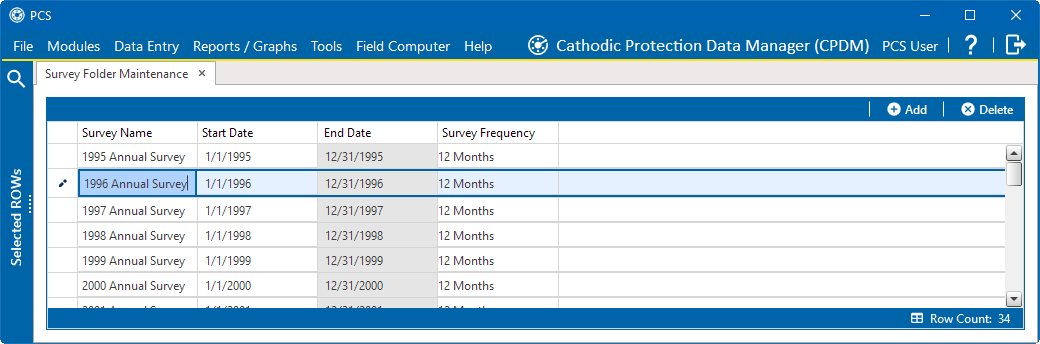
Edit Survey Folder
-
Click
icon next to the Survey Name to edit Survey Name, Start Date, or Survey Frequency fields. The changes are automatically saved.