Save Changes
Complete the following steps to save changes to your project:
-
Tap
 Show Toolbar to display the toolbar icons.
 -
Tap
 . Changes are saved.
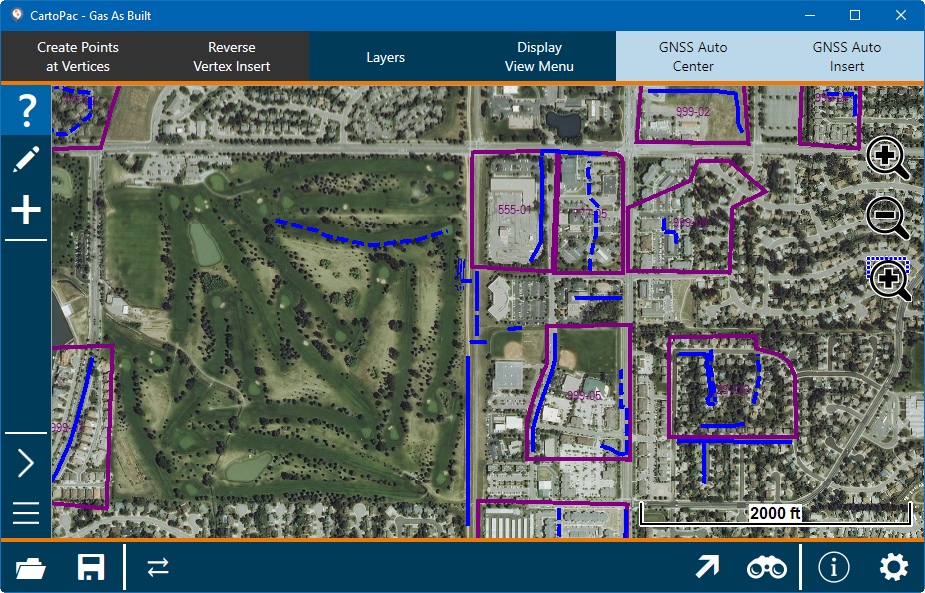
CartoPac Touch with Toolbars