Connect Peripherals
Complete the following steps to find a connect a peripheral device to use with the application:
The peripheral that you will be connecting to must first be configured in the Options menus. Refer to Touch Options for more information.
-
Tap
 Show Toolbar to display the toolbar icons.
 -
Tap
 .
. -
In the Connect Peripherals window, select the peripheral to connect.
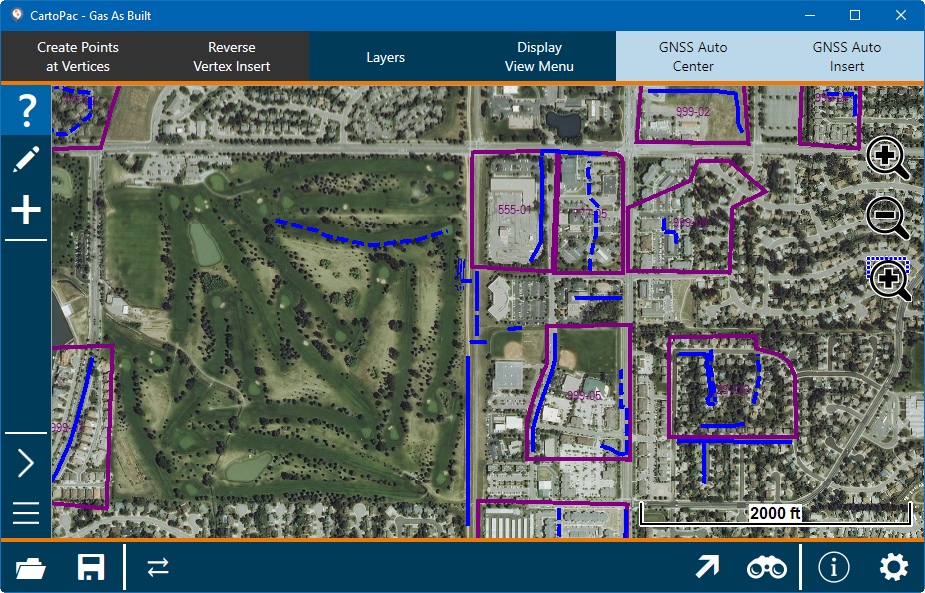
CartoPac Touch with Toolbars
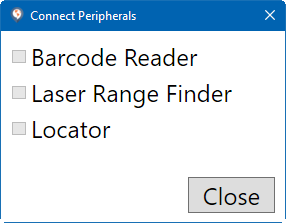
Connect Peripherals Window