About CartoPac Mobile Touch
Complete the following steps to view information about CartoPac Mobile including the version number:
-
Tap
 Show Toolbar to display the toolbar icons.
 -
Tap
 . The About CartoPac Mobile window opens.
 -
Tap Close to close the window.
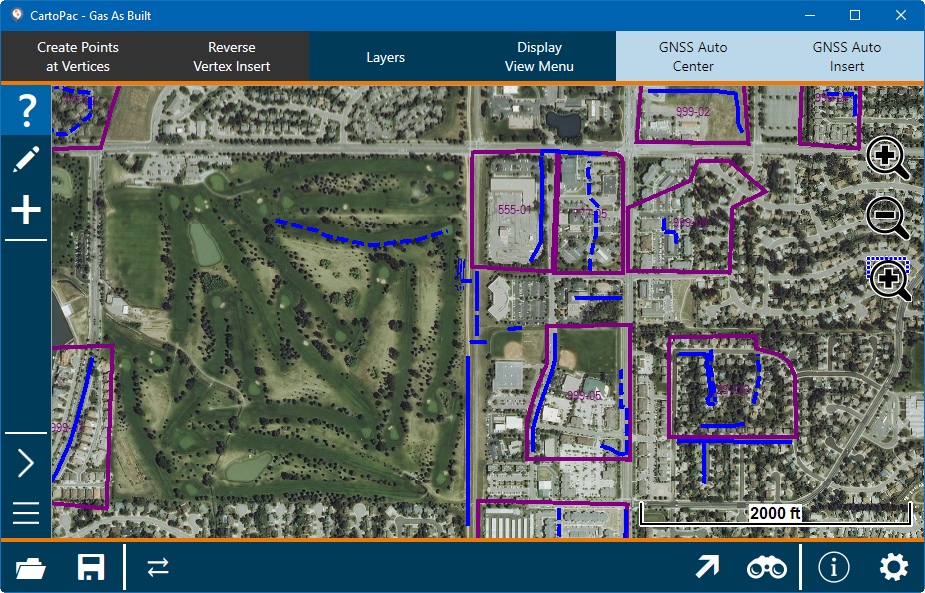
CartoPac Touch with Toolbars
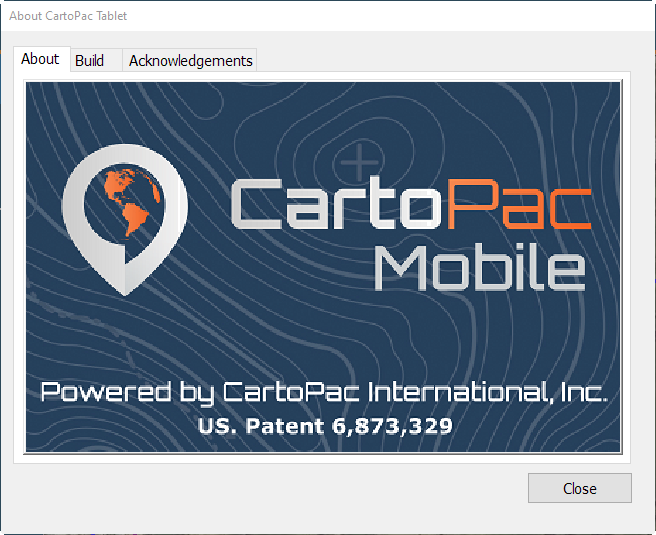
About Window
Information about the application, build, and other items are included in the window.