Blank Loading Page After Clicking a Server Feature
In CartoPac Server, clicking a feature or the  button in CWM displays a white screen with Loading messages.
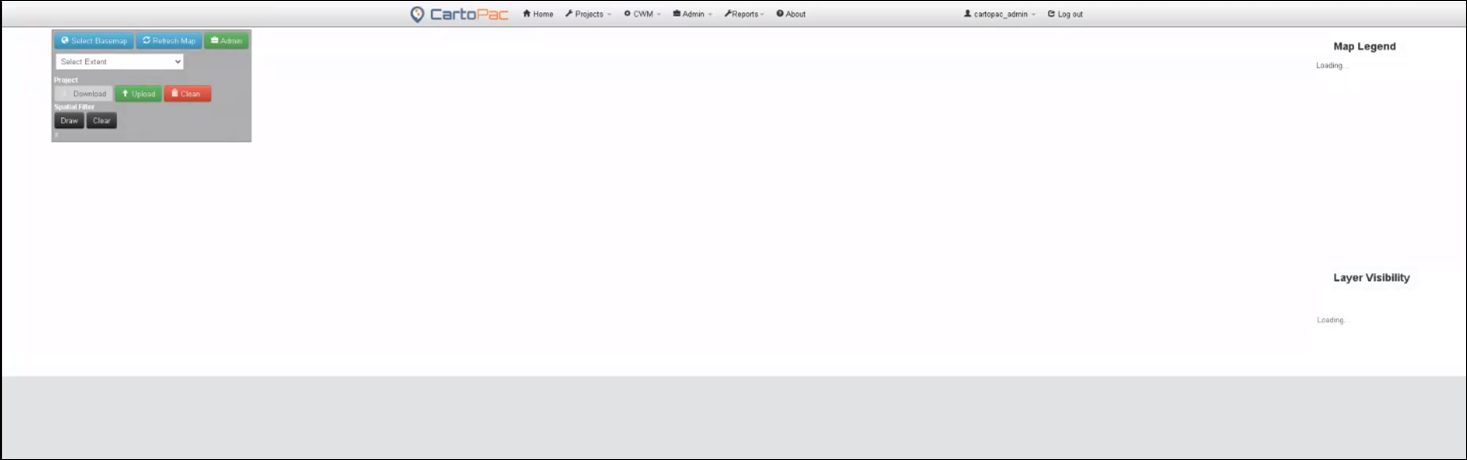
Blank Loading Page in Server
Cause
This issue occurs when using ESRI Subtypes for the map layer selected. A subtype attribute for the layer is not set to visible, or editable in the CartoPac Map Service Configuration.
Solution
-
Open the CartoPac Server Admin menu and select Map and Esri Service Administration.
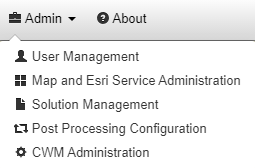
Admin Menu
The Map and Esri Service Administration window opens.
-
In the Map Services and Feature Access section, click the
 Edit button next to the Map Service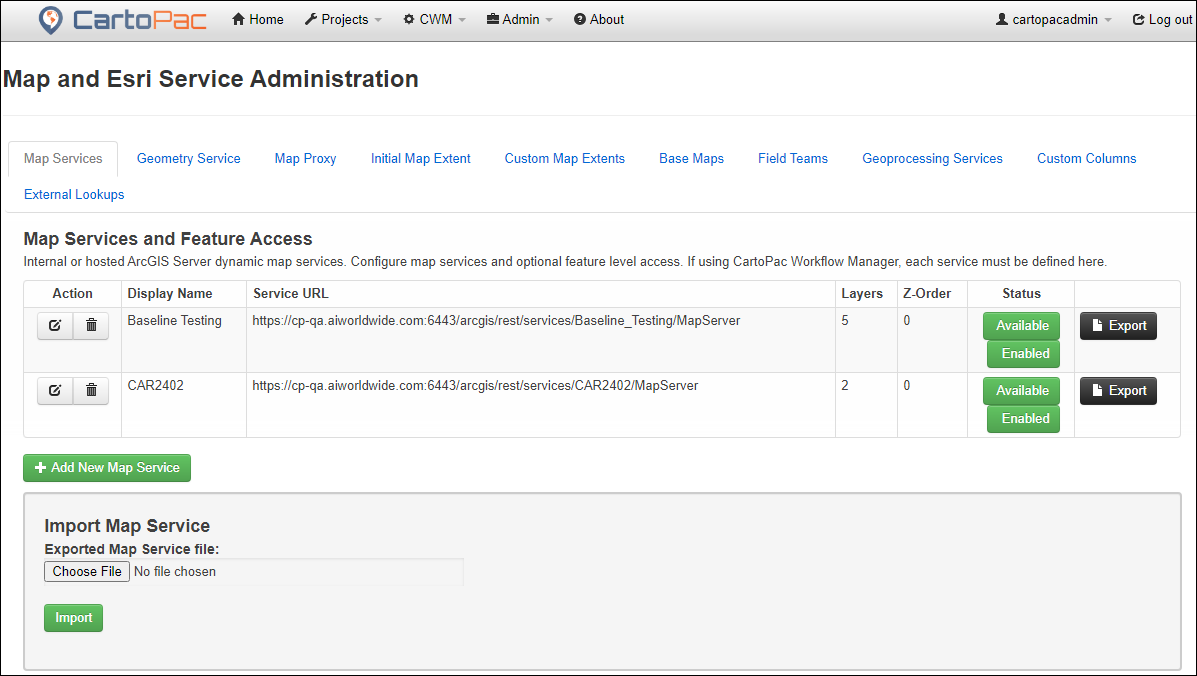
Map Services and Feature Access - Edit Button
-
On the Update Map Service Layer window, click the Edit Layers tab.
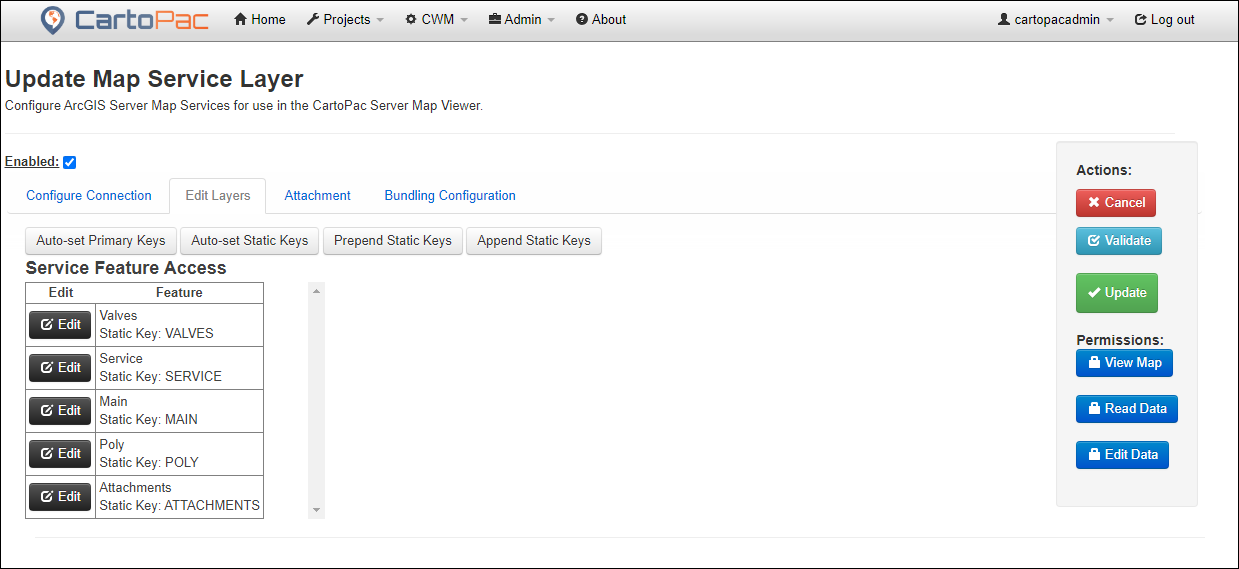
Update Map Service - Edit Layers Tab
-
Click
 next to the Feature layer. The window expands with additional options.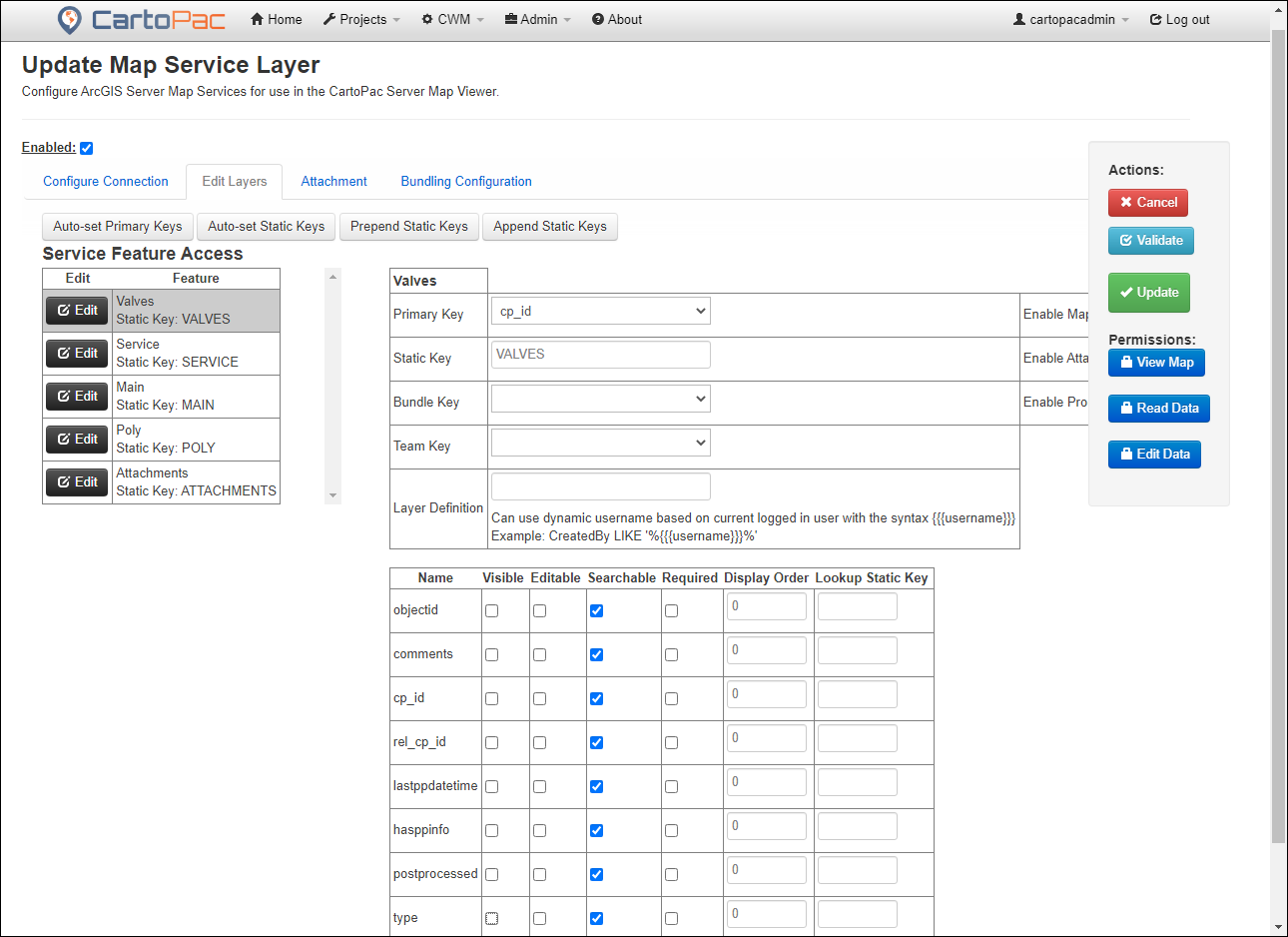
Service Feature Access Options
-
Set the appropriate subtype attribute to Visible.
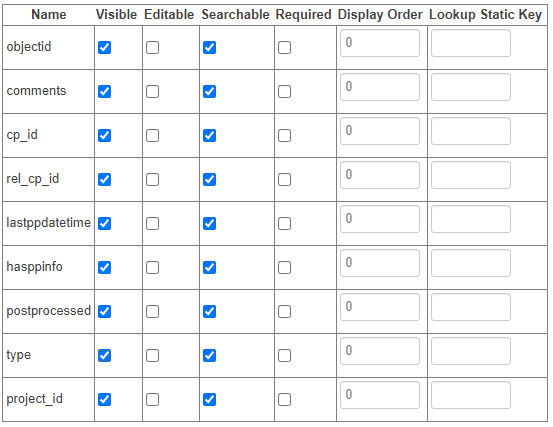
Feature Attributes - Visible
-
Click
 to save the settings.
 -
Click the feature in the Web Map or from the
button in CWM and ensure the Attribute Inspector displays the attributes for the feature in a web form.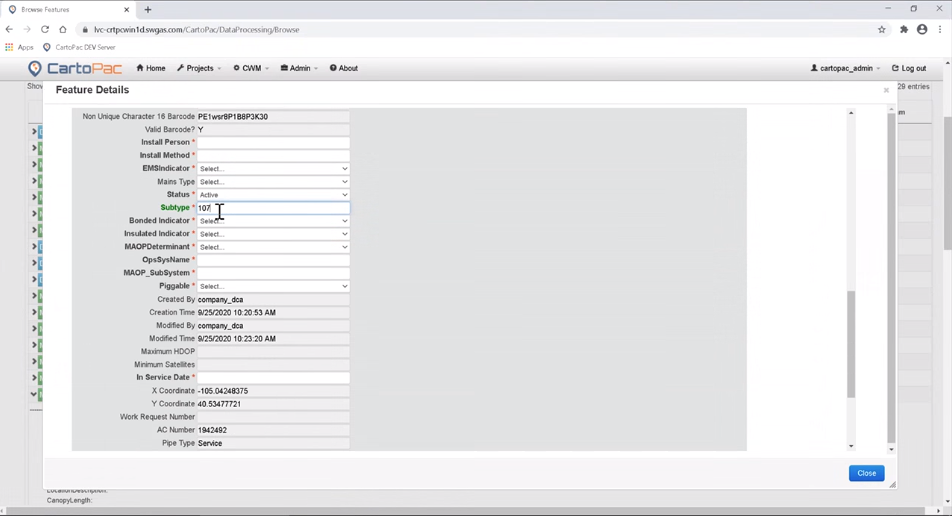
Feature Details Window