Remove Cloud Surveys from PCS Import list
Admins can remove surveys from both Survey Manager Import as well as PCS Cloud Import.
To remove an unwanted survey:
-
Click on Remove Cloud Surveys in the User Options menu:
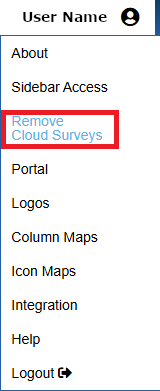
User Options Menu
-
Select either Survey Manager Import or Survey Manager Exports to PCS to see the current list of surveys for each application. The selection will update either Survey Manager import lists or PCS Import lists.
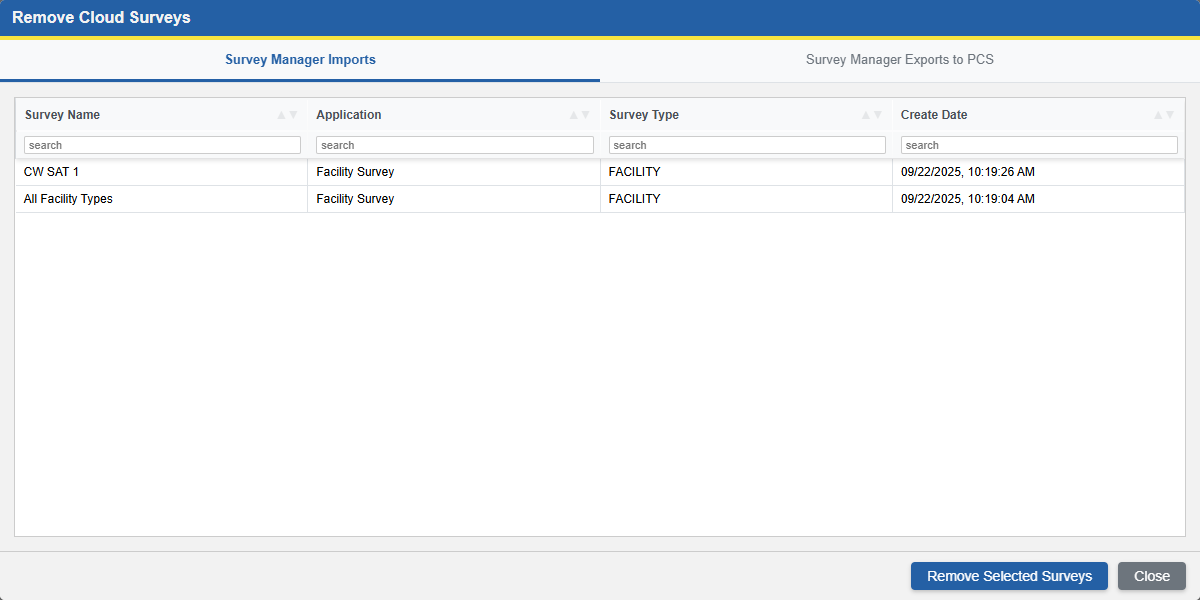
Delete Surveys Screen
-
The survey types can be searched and sorted using the column headers:

Sort & Filter Surveys
-
-
Ctrl + click to select individual surveys, or Shift + click to select a range of surveys to be removed:
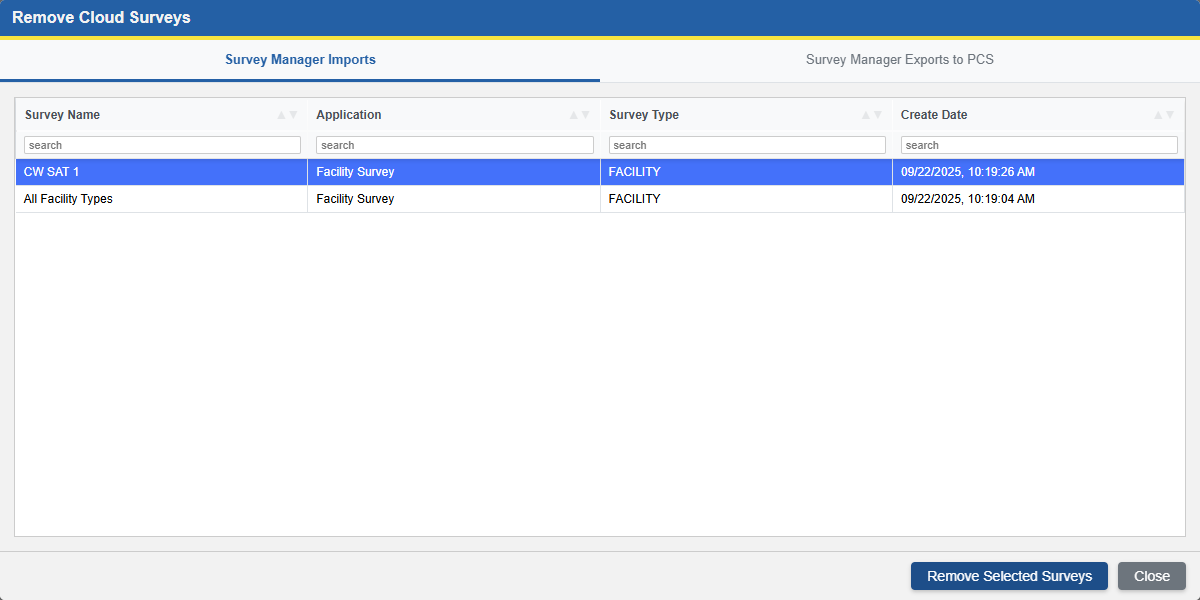
Survey Check Boxes
-
Survey Manager Imports: These are cloud-transferred surveys currently pending import for Survey Manager. Choose surveys from the table and clear them from the Survey Manager Import From Cloud list
-
Survey Manager Exports to PCS: These are cloud-transferred surveys exported from Survey Manager which are available to import into PCS. Choose surveys from the table and clear them from the PCS Field Computer Receive list.
-
-
Click Remove Selected Surveys to remove the surveys:
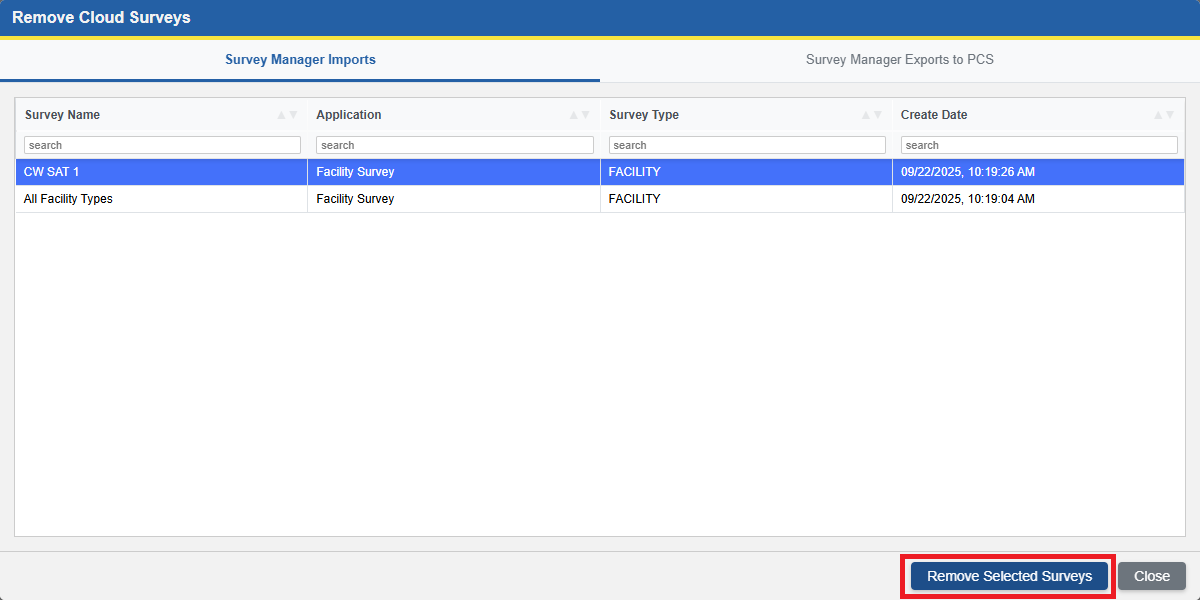
Delete Surveys Button
This will remove the selections from the import screens of Survey Manager or PCS depending on which tab is selected.
-
Click OK in the confirmation dialog to delete the surveys, or Cancel to stop and alter the selections
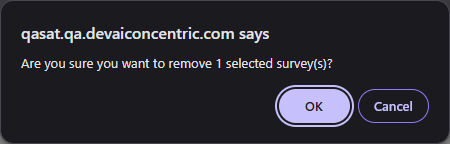
Survey Deletion Confirmation Dialog
Removing the selected surveys will clear them from the import screen for the selected application.
-