Import, Export, and Delete Templates
Saved templates can be imported or exported to your computer or deleted from Bullhorn Tools.
Complete the following steps to import, export, or delete a template:
-
Click File > Template Management.
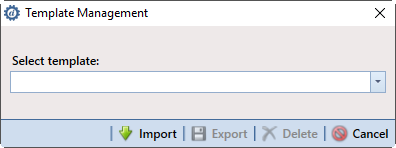
Template Management
-
To import a saved template from your computer, click
 Import. Browse to the saved template and click Open. The template is added to the list of available templates.
-
To export a saved template to your computer as a Bullhorn Template (.bht) file:
-
Select the template from the Select template drop-down list.
-
Click
 Export.
-
Select a destination for the file, and then click Save.
-
-
To delete a template, select the template from the drop-down list and click
 Delete.
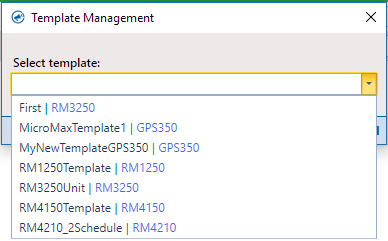
Template Management - Select Template