Factory Reset
Complete the following steps to reset an RM5 unit to factory defaults:
-
Tap
 to open the options menu, then tap
  to return to the unit info screen.
-
Tap Factory Reset to begin the reset process.
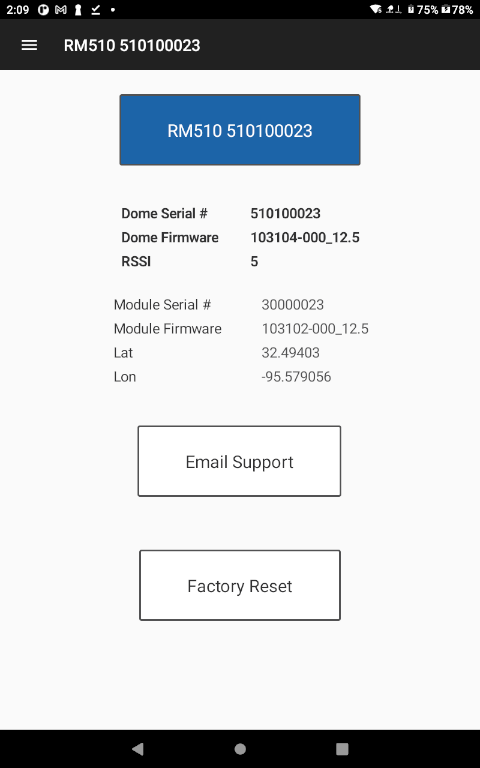
Factory Reset
-
The unit will display a confirmation screen. Tap Start to begin the reset process.
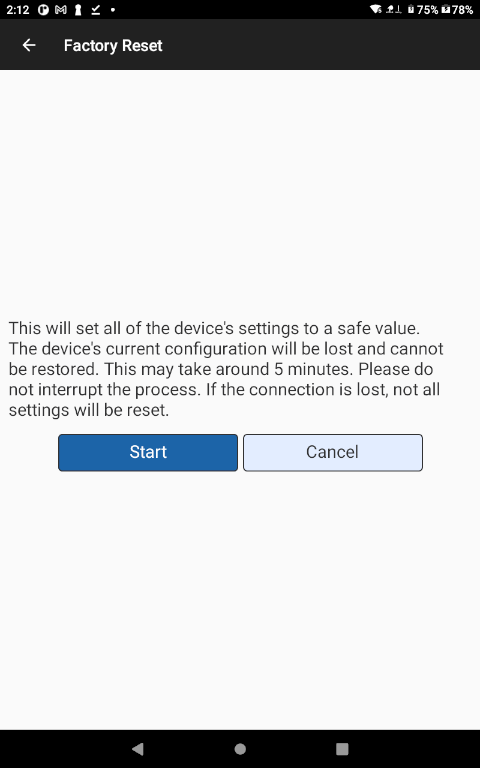
Reset Confirmation
The unit will now reset itself to factory defaults. This process could take several minutes. If the reset process is interrupted, the unit will likely be left in a bad state and will have to be reset again.