Mount an SD Card Installed In the Archer 4
If an SD card has been safely ejected, you must mount it before it can be used again.
You can mount an SD card through the device's Settings (not through the PCSField Data Collector app).
Complete the following steps to mount an SD card that has been installed in an Archer 4:
-
Tap Settings.
-
Scroll down to Storage and then tap Storage.
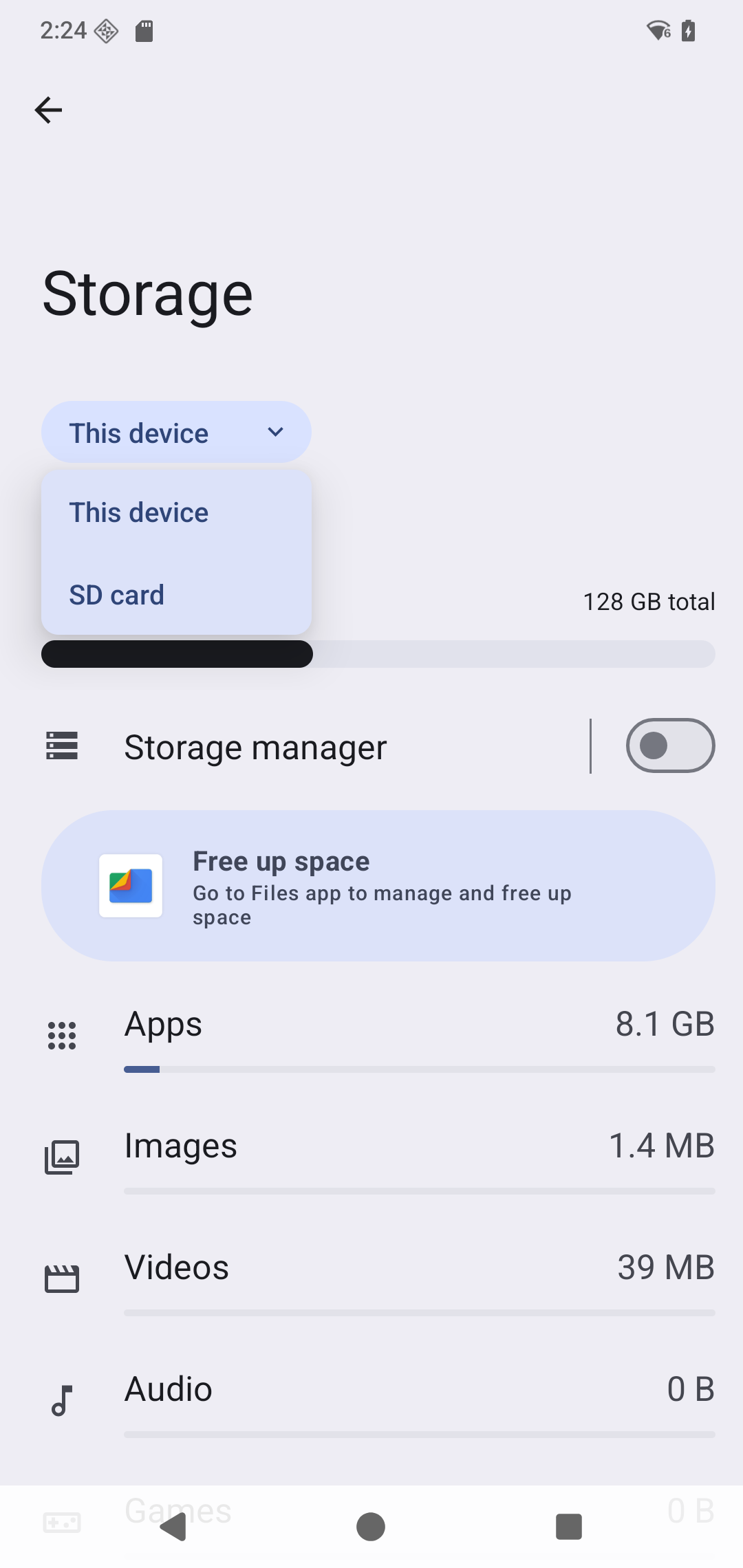
Settings > Storage Window
-
Your SD card should be listed under Portable storage.
-
Tap the SD card name. If the card was previously ejected, tap Mount to make the card available again.
The SD card is now mounted and available for use.