Install the Battery Pack
The battery compartment is located on the back of the Archer 4. After installing the battery, charge the battery pack until completely full (approximately 4–6 hours for the first charge).
Refer to the Juniper Quick Start Guide for the Archer 4 that is included in the shipping box for additional instructions on installing the battery.
Improper battery use may result in a fire, explosion or other hazard. Refer to the Archer 4 User Manual by Juniper Systems, Inc. for additional battery handling information.
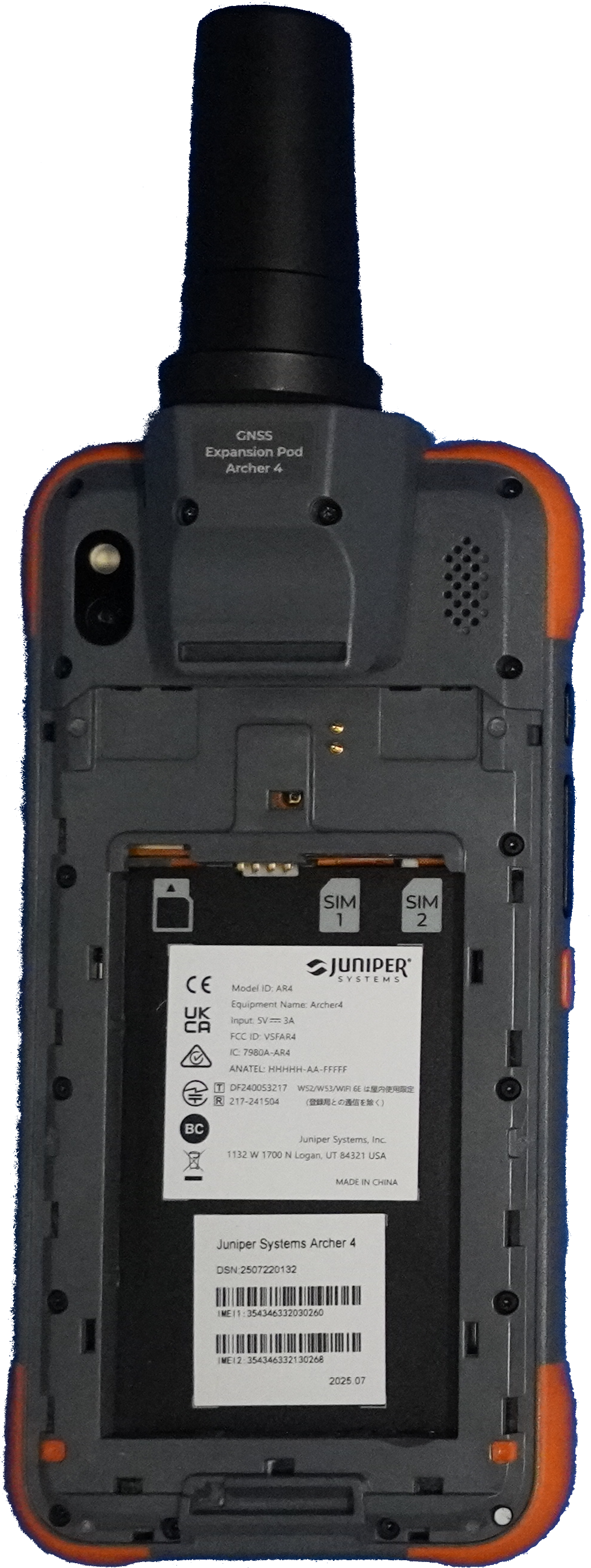
Archer 4 Battery Compartment
Complete the following steps to install and charge the battery pack:
-
If the Archer 4 is powered on, press the power button and volume up button simultaneously, then tap Power Off. Allow the device to power off completely.
-
Slide both battery door locks down to the unlock position.
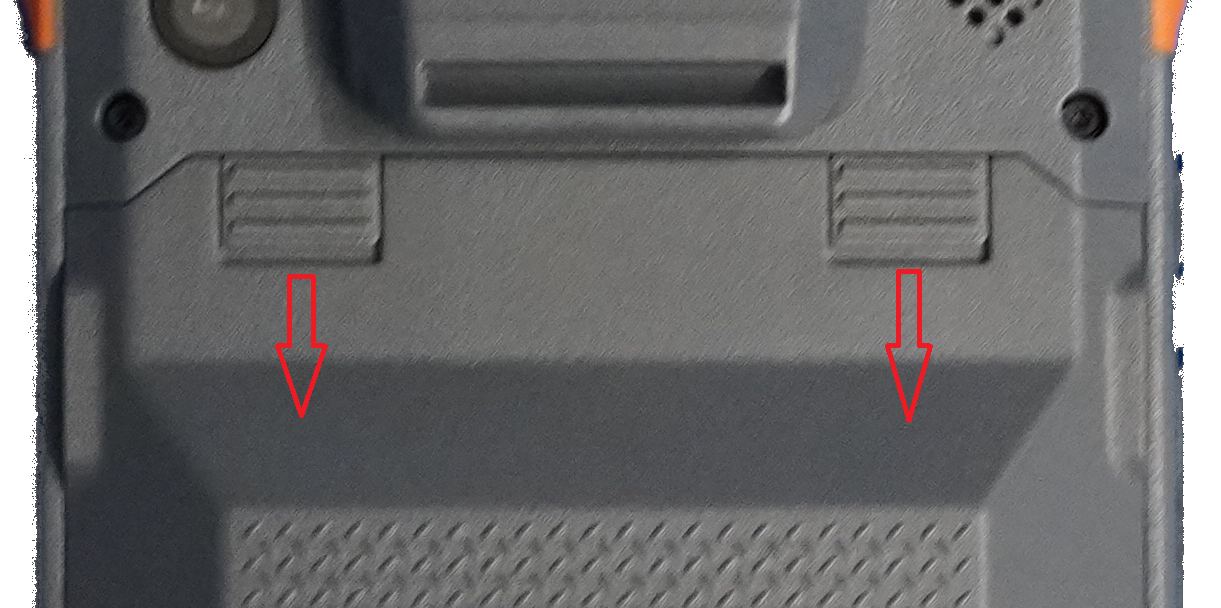
Archer 4 Battery Door Locks
-
Remove the battery door. If the hand strap has been installed, loosen it from the top mounting loop to remove the battery door.
The Archer 4 is not sealed against water and dust when the battery door is not installed and properly latched.
-
If you are using a micro SD card for additional memory, you can install it now before you install the battery pack. Refer to Install and Format an SD Card In the Archer 4 for additional instructions.
-
Place the Li-Ion battery pack in the battery compartment. Holding the battery at an angle, position the top of the battery into the compartment, aligning the grooves on the top of the battery with the tabs inside. Press the bottom edge of the battery into the compartment.
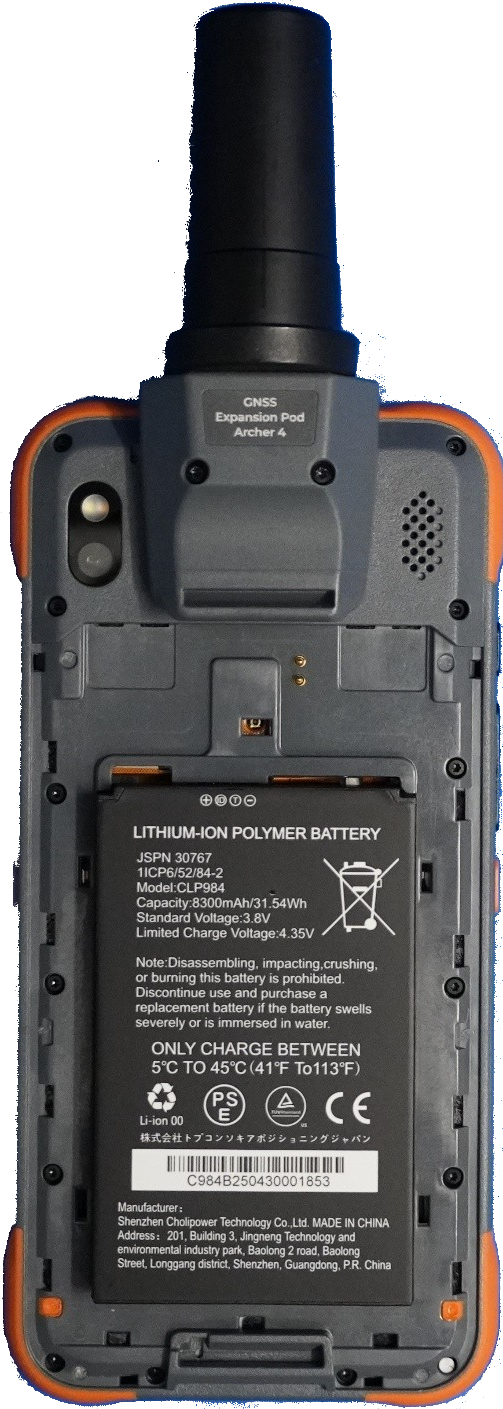
Battery Installed
Do not insert the battery pack straight down. Damage to the unit could occur.
-
Insert the three tabs on the battery door into the slots around the lower hand strap mounting loop.
-
Working from the bottom of the door toward the door locks, press the door tabs along the sides of the door into place.
-
Slide the battery door locks into the locked position.
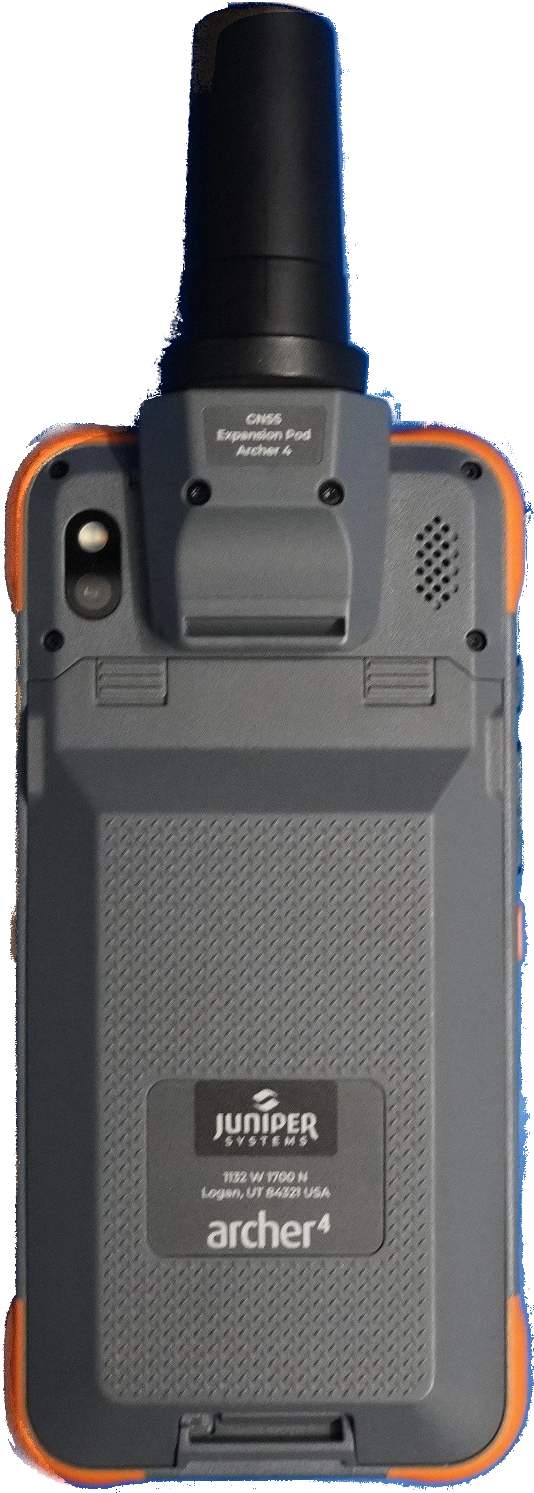
Closed and Locked Battery Door
-
Plug the AC USB charger and cable that came with the Archer 4 into a wall socket. Plug the other end into the USB Type-C port on the Archer 4.
Do not use the USB port if it is wet. Dry the port completely before connecting to power.
-
Charge the battery pack at room temperature (68°F or 20°C) for 4–6 hours for the first charge. The RGB LED indicator at the top of the screen transitions from red to yellow to green as the battery charges.
The Archer 4 includes an internal secondary battery that supports hot-swapping the primary battery for up to approximately five minutes without losing data. Ensure the internal battery is charged or power off the device before replacing the primary battery.