Open a DCVG Survey
You can open another survey that has already been started from  Mobile Survey.
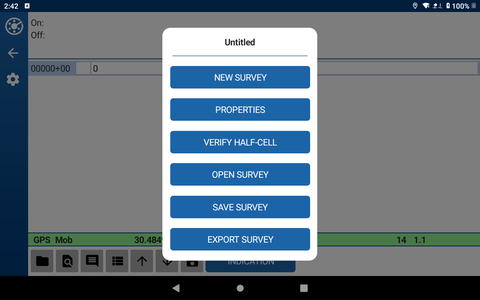
DCVG Survey Window
Complete the following steps to open a survey:
-
Tap DCVG Survey from the PCSField Data Collector app home window.
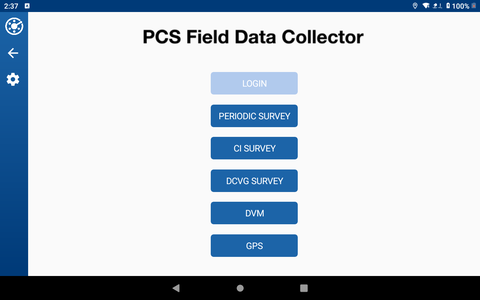
PCSField Data Collector App Home Window
-
Tap
open the Mobile Survey menu window.
Mobile Survey Options
-
Tap Open Survey to open Survey Properties window.
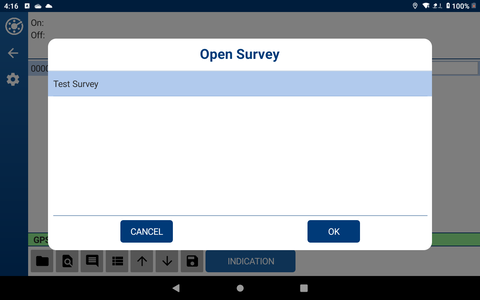
List of Available Surveys
-
Tap the survey name and then OK.