Send an Email Report to All Recipients
If an email report has one or more recipients, the report can be sent to all recipients on demand. If an email report is sent manually, the last run/reset date updates to the current time.
To send an email report manually, access the Email Reports tab of the Email Notification window.
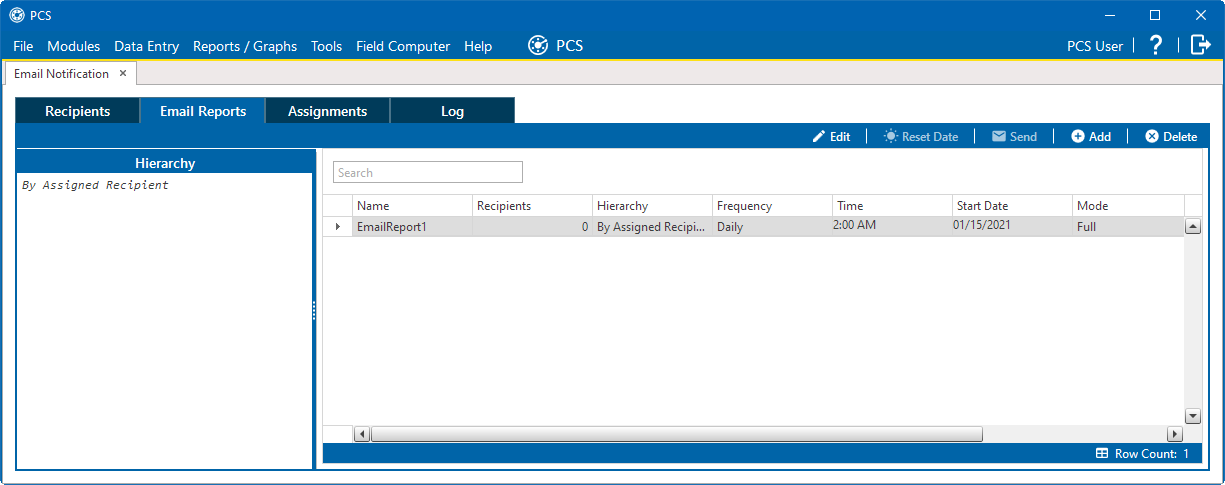
Email Reports
Select the email report from the list and click Send. Click Yes to confirm sending the email and click OK when prompted. The job to create the report to send to the recipients is added to the Job Service Viewer's job queue.