Open topic with navigation
Assigning a Custom Security Role to a User
The following information explains how to assign a custom security role to a user set up in User Management. For more information about User Management, see User Management.
Complete the following steps:
-
Click Tools > User Management to open the User Management window. If the Hierarchy Rights panel is open, click the title bar to collapse it.
-
Select a user record in the grid.
-
Complete the following steps in the Role group box on the left side of the window:
-
Click the Parent Role field and select the parent role associated with the custom security role you want to assign to the user record.
-
Click the Role field and select the custom security role you want to assign to the user record.
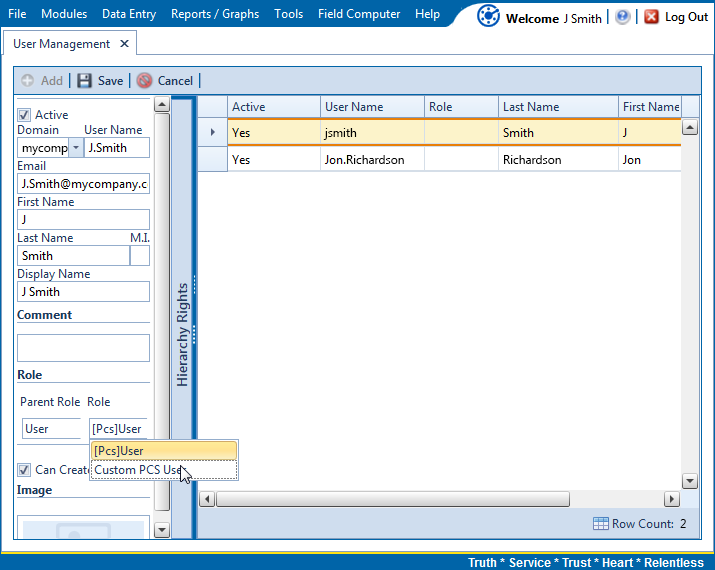
User Management
-
Click  Save to save changes
PCS, PCS Axis